
Usually, when I write my Friday marketing blogs I stick to one theme. Last week, for example, we covered how to crush green screens.
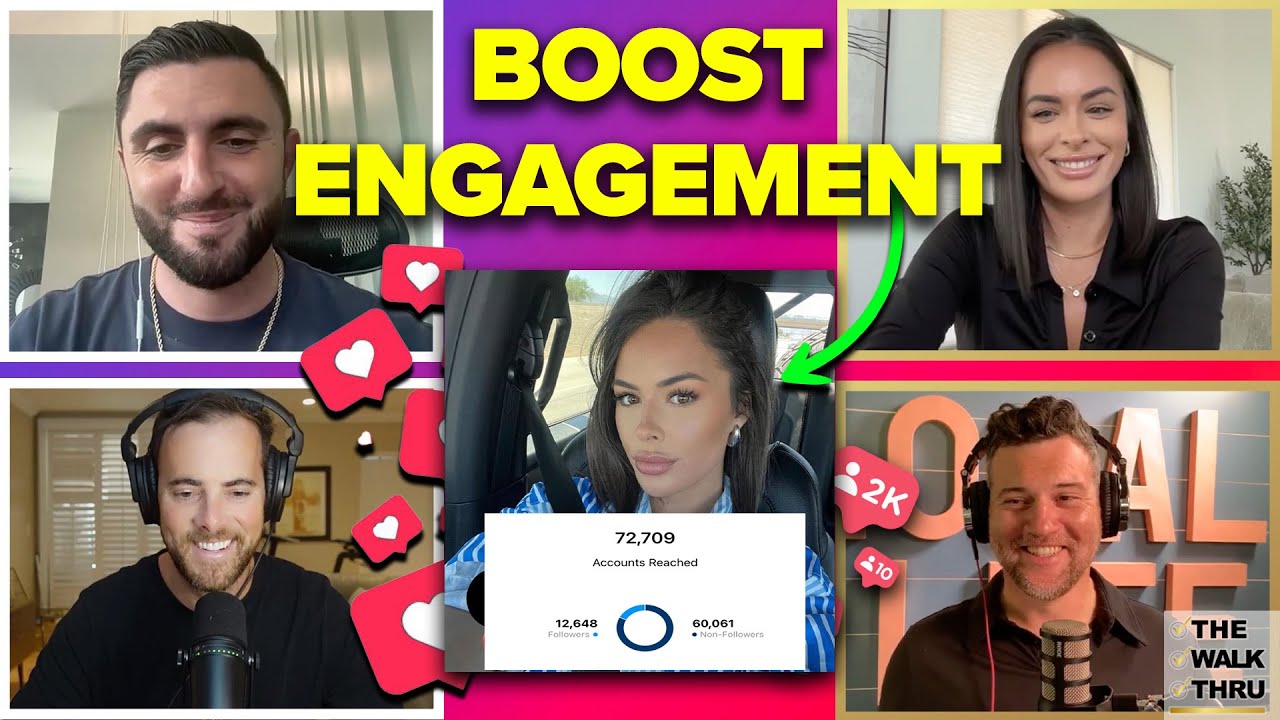
But today, I’m going to rapid-fire some social media tips from this week’s Walk Thru Podcast, which was one of our best ever in terms of pure value and actionable takeaways. I encourage you to watch it when you’re done reading this.
Dan Oneil and I are the hosts, and this week’s guests were Tessabella Jelten and Dan MacKinnon. And if you haven’t subscribed to the BAM YouTube yet, subscribe now so you never miss an episode.
First, we lead with some August content ideas for agents. I wrote an entire blog on this yesterday which you can read here.
Then, each guest dropped an Instagram hack and every single one of them was GOLD.
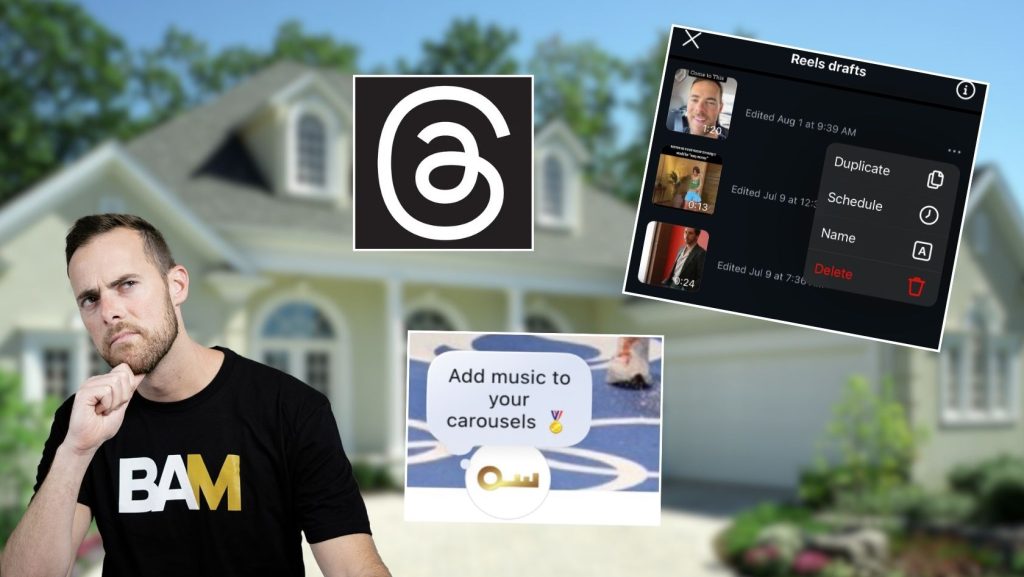
Threads is NOT Dead
Tessabella talked about her Threads strategy and it reminded me of my Broke Agent X strategy!
Basically, she uses Threads as a “dumping ground” for all her thoughts and ideas. Instead of jotting down stuff in her Notes App, she posts her inner monologue to Threads. But here’s the kicker: she uses the engagement on Threads as a test to see what she’s going to post to her IG feed. If a post performs well on Threads, it’s a good indication that the concept can be turned into a Reel or shared directly from Threads as a post.
This is exactly what I’ve done on Twitter/X and Facebook for years. I test out content on other platforms and then turn it into Instagram posts if it performs well. If you don’t have a following on Threads or X, test content on Facebook or in your stories to gauge reactions and engagement.
DUPLICATE Your REELS
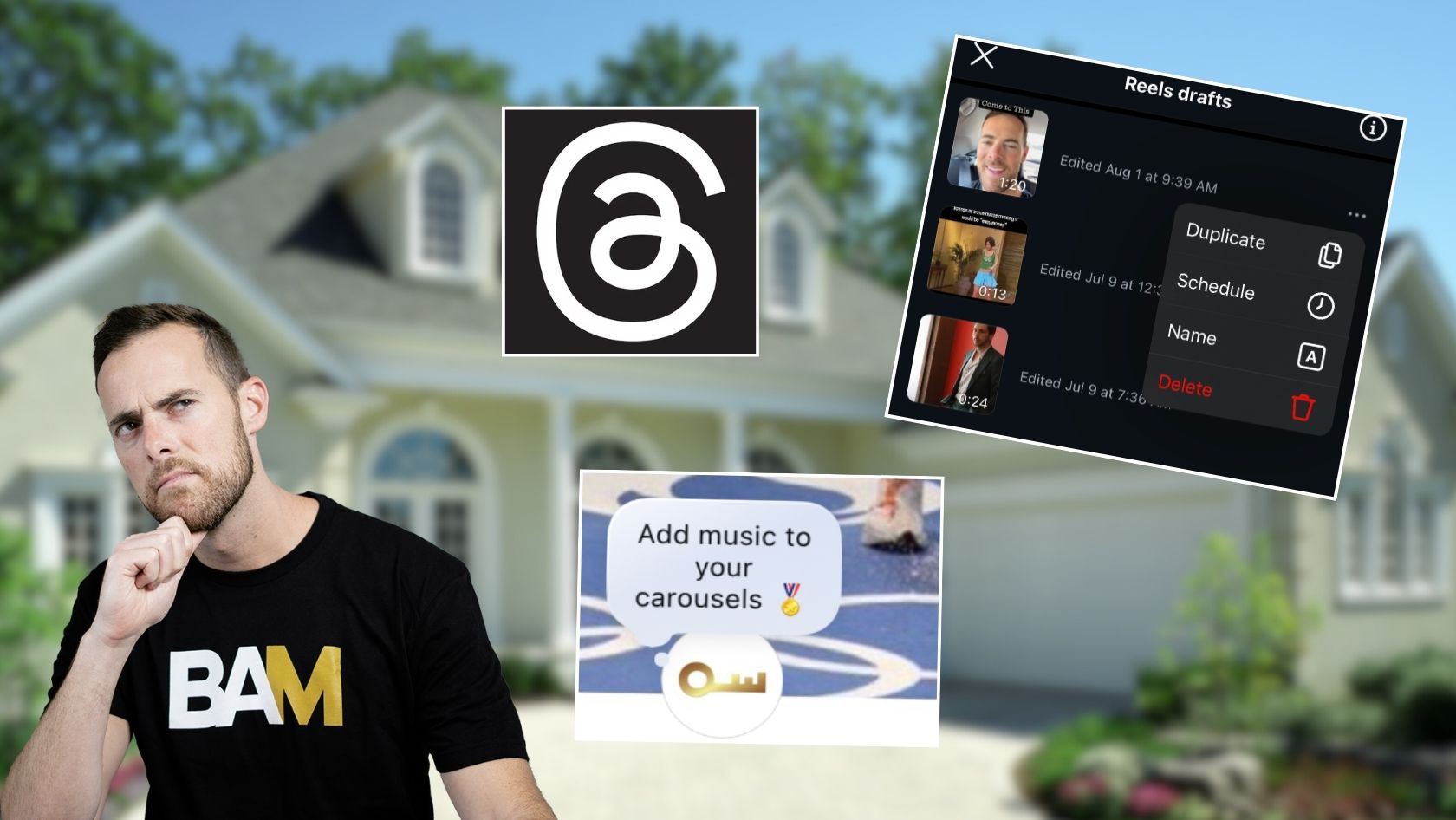
This tip will SAVE you. When you save a Draft to Reels, go back to your drafts, click the three dots to the right of your draft, and click duplicate. This copies your Reels draft so you have an extra one.

This is great for two reasons:
- Reels is buggy and can delete your draft while you’re working on it, which can be one of the most infuriating things in content creation. This saves it as a copy and saves you from extreme pain.
- It allows you to recreate Reels that performed well in the past. Instead of downloading an old Reel, you can simply use the duplicated draft to add new captions, edit it, or put a new audio on it organically in the app without going through the hassle of reposting an old reel.
I used this strategy yesterday when I posted my BAM Mania Venue Tour. I wanted to do one with the IG music and then save another without so I could run an ad on it later!
BTW, if you haven’t gotten your ticket yet to BAM Mania, you should. Our speaker lineup is amazing and the entertainment + value will be off the charts.
Add Notes To Your Posts
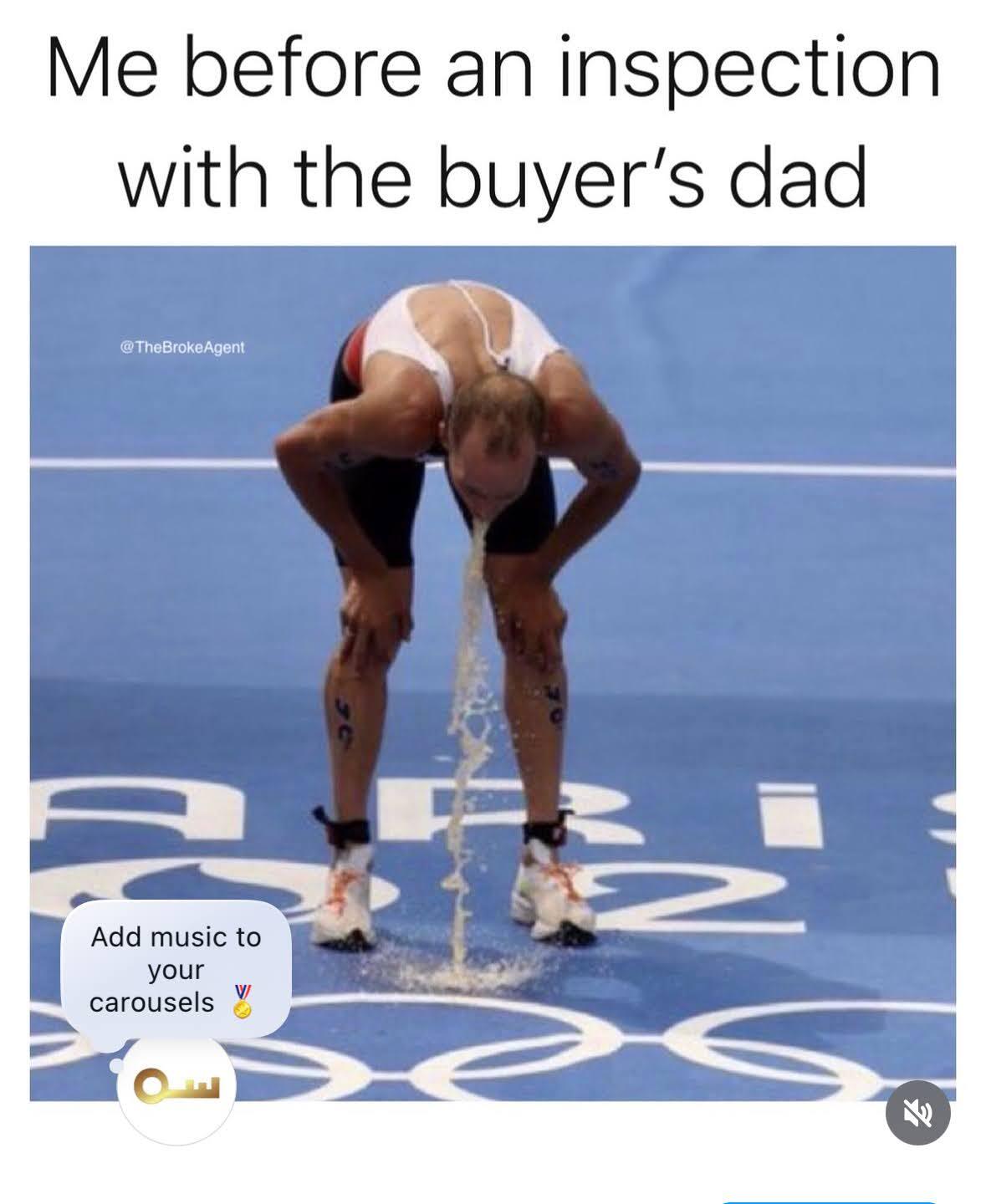
The Dans on the show were ecstatic about this brand-new hack. Basically, you can go to any post, click the share button, and then add a Note. The Note appears like a floating comment.
The Dans were going back on old posts and adding Notes and it boosted the engagement of their previous posts substantially. This is probably because this is a new IG feature, and IG wants to encourage people to use it by boosting their content.
Here’s what it looks like. Look in the bottom left corner:
Instagram Story Hacks
Want to draw attention to something in your story? Go to the countdown sticker on your story, set it for an hour, and hide it off-screen. That way, when it expires it appears as a celebration/explosion when someone lands on your story. When people see this they will be more likely to click on a link or engage with that story.
Here’s an explanation from Brock Johnson on exactly how to do it.
Use Keywords in Your Captions
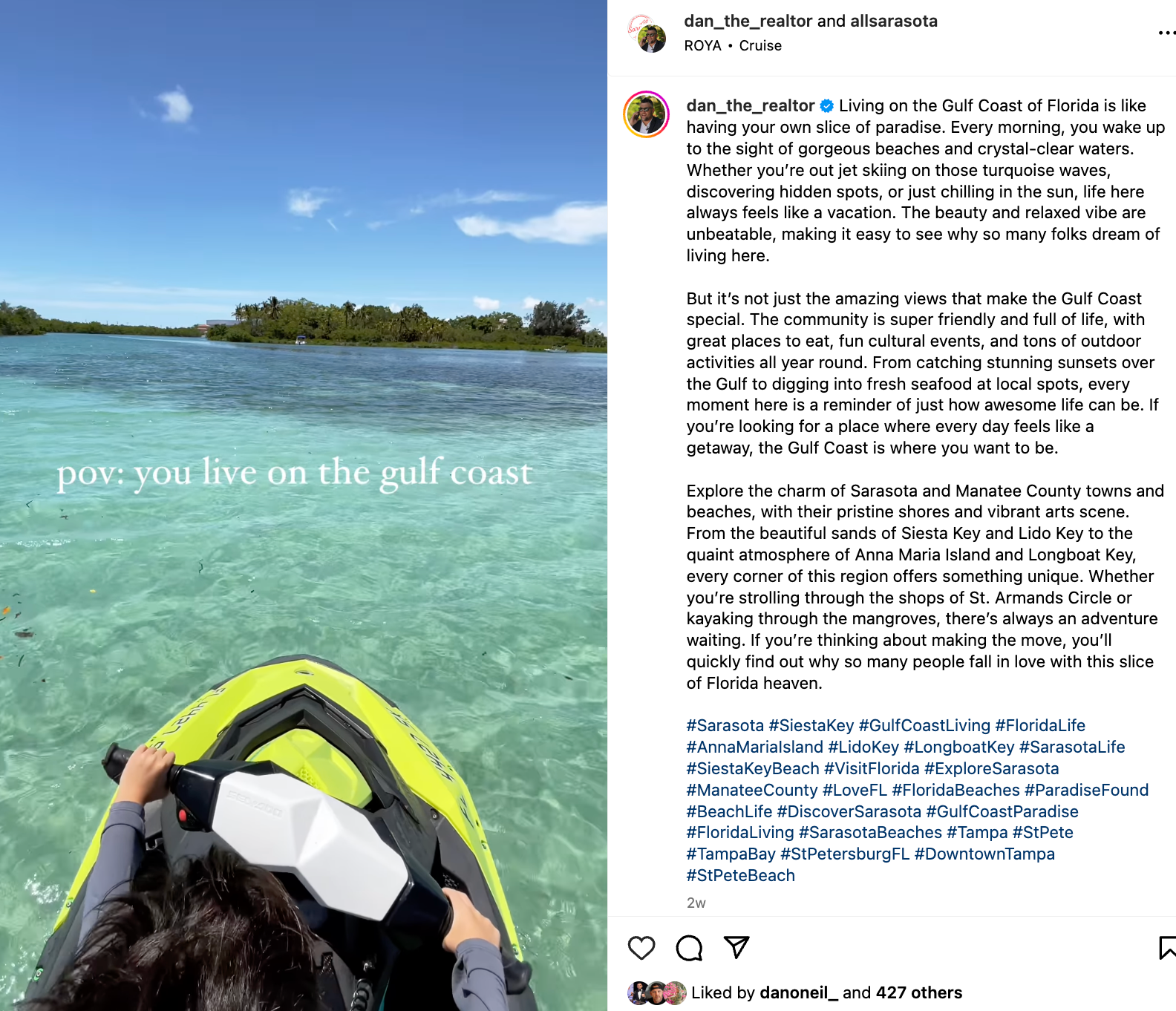
Finally, Dan Mackinnon had another banger for us, emphasizing the importance of using keywords in your captions. He writes really long captions on his alt account, @allsarasota, so that when people search on Instagram, his posts and account will pop up. As Instagram continues to be used more like a search tool, make sure you use keywords related to your market and real estate so that your posts are more easily discovered.
Look at this beast of a caption. Keyword city.
Listing Video Masterpiece
Finally, watch this Reel from Dan Oneil. It’s one of the best listing videos I’ve seen this year. It has an amazing hook and then ends with bloopers, humanizing the creator behind the post.
Hell of an episode this week. Make sure you watch it here for even more tips!