The biggest mistake agents make when capturing content is that they don’t film enough coverage.
They get one or two clips in each room and assume they have enough. Then, when it comes time to edit, every video starts feeling repetitive because there aren’t enough angles, movements, or transitions to work with.
In reality, a single listing contains multiple content opportunities, including reels, story posts, cinematic edits, neighborhood videos, detail-focused clips, voiceovers, and behind-the-scenes content.
But only if you capture the right footage while you’re already there.
That’s exactly why Joaquin, my video guy, and I rely on a few simple camera movements that we film in almost every room of every listing.
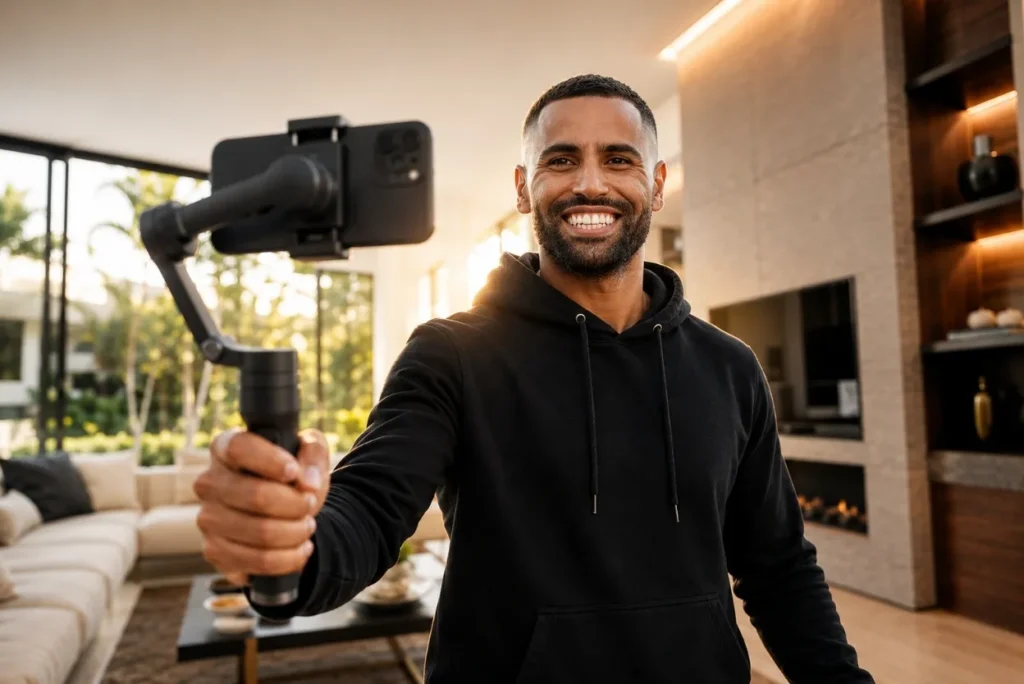
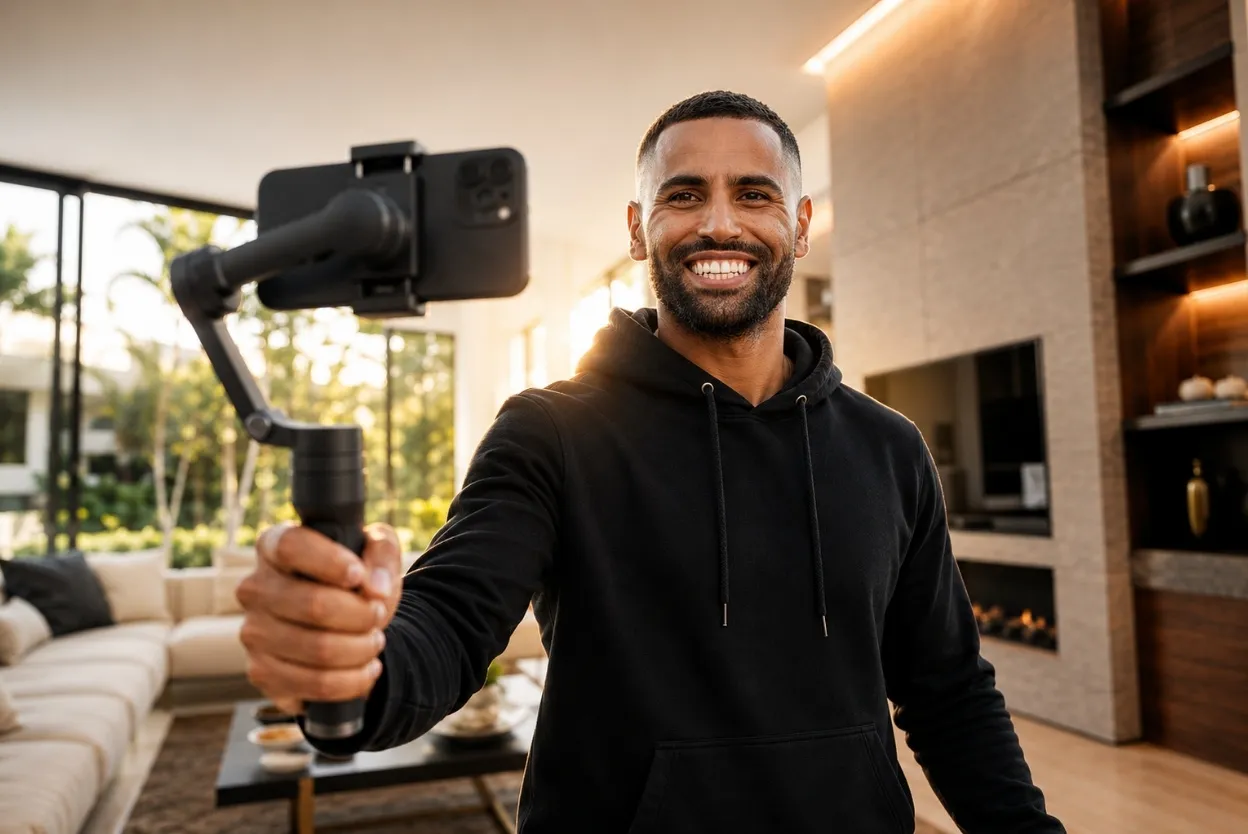
Most of the time, we’re using an iPhone and a gimbal. The goal is a repeatable system that helps agents leave every listing with dramatically more usable footage, without overcomplicating the process.
Below, I included a video tutorial with examples and on-screen explanations showing exactly how we use them throughout a property
If you’re an agent trying to create more real estate content without needing a huge production setup, these are the three movements I would focus on first:
- The “Pan”
- The “Truck”
- The “Dolly”
The “Pan”
The first movement is what we call the “pan,” although it’s really more of a subtle crescent-style orbit into a room.
Instead of simply walking straight forward, you create a smooth curved movement that reveals the space gradually. This immediately adds more depth and motion to the footage and makes even simple rooms feel more cinematic.
We use this constantly in living rooms, kitchens, primary bedrooms, and entryways because it helps showcase the shape and scale of the space naturally.
One mistake agents make with this movement is trying to move too quickly. Slower movements almost always look more professional, especially when shooting on an iPhone. Another common mistake is overthinking the shot entirely. The movement itself is simple. What matters most is consistency and smoothness.
If you begin capturing this angle in every room, you will instantly start creating footage that feels more intentional and elevated.
The “Truck”
The second movement is the “truck” shot.
This is when you move left to right or right to left while keeping the camera framing locked onto the subject. It is one of the easiest ways to create cinematic movement without making the footage distracting.
Truck shots work especially well for kitchens, islands, bathrooms, fireplaces, outdoor entertaining areas, and architectural details because they allow the viewer to experience motion while still understanding the layout of the room clearly.
The biggest mistake agents make here is rotating the camera while moving sideways. The cleaner and more stable the movement stays, the better the footage tends to feel.
This is one of those shots that looks far more advanced than it actually is, which makes it incredibly useful for agents creating content themselves.
The “Dolly”
The third movement is the “dolly.”
This is simply pushing straight into a room or pulling straight away from it.
Dolly shots are incredibly versatile because they create natural transitions and give editors much more flexibility later in post-production. We use them constantly when entering spaces, showcasing details, approaching exterior features, or creating opening and closing sequences for videos.
One of the biggest advantages of dolly shots is they can often be reversed during editing, which immediately gives you more options from a single clip.
That’s an important way to think about filming listing content in general. You’re not there to capture random clips. You’re building a library of usable footage that can be repurposed in different ways later.
In a world where attention spans are short and consistency beats perfection, having more options from a single clip is a real advantage.
You Don’t Need to Be a Professional Editor
Most of the heavier editing on our team is handled in Adobe Premiere by my video guy, but a lot of the quick content I post personally is edited directly on my phone using CapCut or the Edits app.
What’s made the biggest difference for me isn’t necessarily having better equipment. It’s having repeatable systems for capturing content, so every listing gives you more opportunities to create.
That’s exactly why we have our BAMx Skool community. Inside, we break down real listing videos, share live trainings, provide templates and marketing resources, and walk agents through the exact systems we use to consistently create content around our listings.
If you want to continue learning how to create better real estate content without needing a massive production setup, you can join the community with a 7-day free trial.