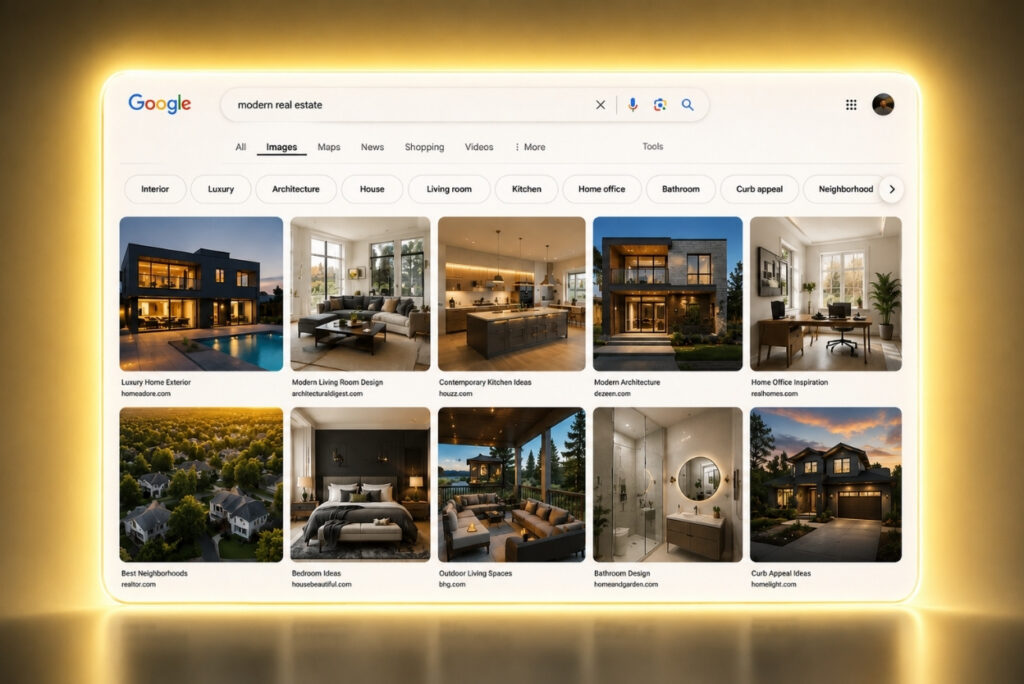
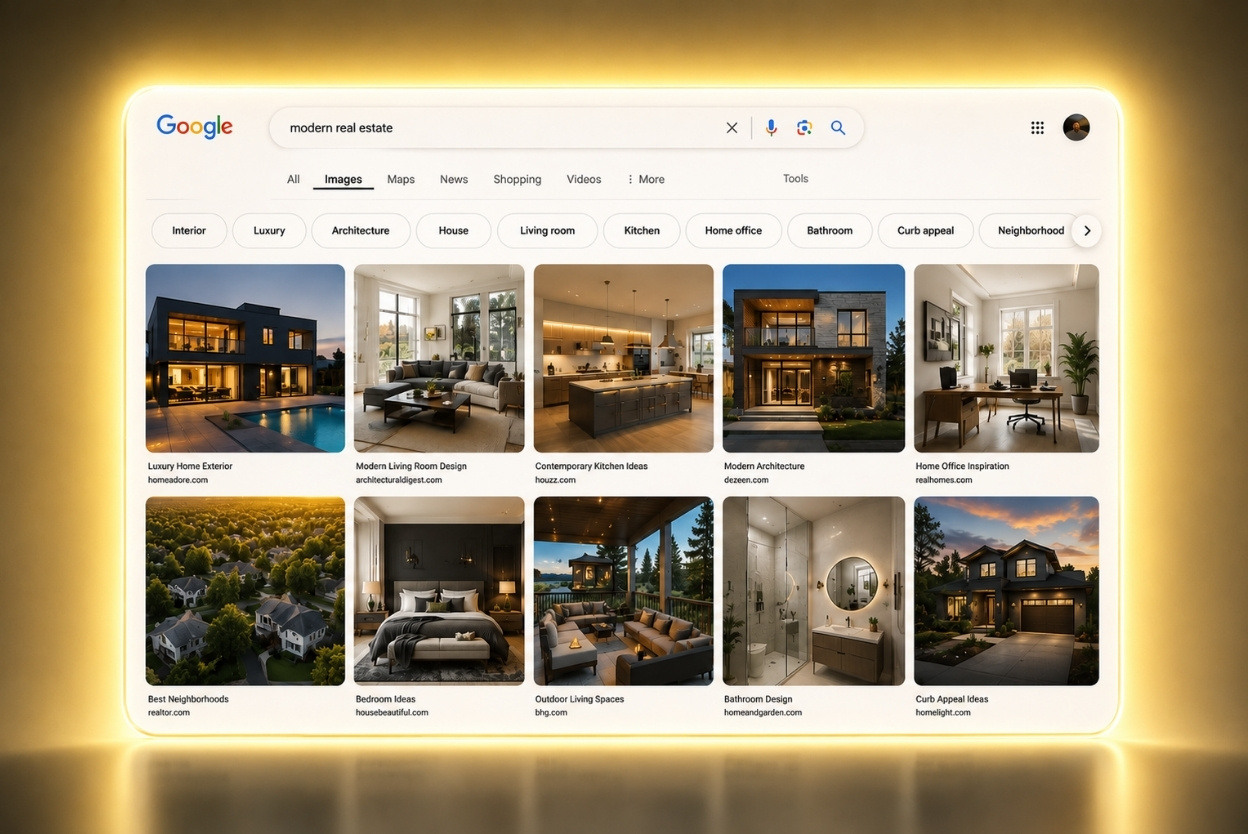

Google Images just got its biggest redesign in a quarter century.
What used to be a plain search results page now works like a scrolling, algorithm-driven discovery feed. The inspiration: Pinterest.
Listing photos have always been marketing material. Now, they’re also entries into a discovery feed that pushes images to buyers based on their behavior, whether or not that buyer ever searched for a specific address.
Here’s what changed in Google Image’s redesign, and what to shoot, tag, and publish to actually land in front of buyers browsing it.
What Changed in Google Images
The redesign opens to a “For You” gallery that updates in real time based on a user’s interests and browsing history. A buyer scrolling “mid-century modern kitchens” can get served a client’s listing photo automatically, no ad required.
Users can also save images into Collections, which show up as tabs above the main gallery. Someone building a board for a reading nook can pull a listing photo straight out of Google Images, before ever reaching the agent’s website or the listing page.
Google is putting AI image generation directly inside Search too, using its Nano Banana model inside AI Overviews. A buyer can generate their “dream home layout” on the spot instead of searching for one, and that image now sits in the same feed as real listing photos.
The redesign rolls out over the coming weeks on desktop in the U.S., in English, for signed-in Google accounts.
What to Shoot and Tag Differently
A feed built for saving and browsing rewards different photos compared to a standard listing gallery.
Here’s what to change on the next shoot:
- Stage for a specific aesthetic, not an empty room. Buyers already search and save looks like Boho Chic living rooms and Japandi bedrooms. A staged, styled photo has a shot at landing in someone’s collection. Nobody saves images of four walls and an empty floor.
- Shoot exteriors like the hero shot. Drone photography and twilight exteriors are usually the first image a buyer saves, and the feed favors striking “bird’s eye” images over flat daytime shots.
- Rename files and rewrite alt text before uploading. Swap “IMG_0432.jpg” and “Beautiful House” for “modern-farmhouse-kitchen-cleveland.jpg” and “Modern farmhouse kitchen with quartz countertops in Cleveland.” Google reads that text to decide who sees the image.
Publish for the Feed
Fixing the photos and tags earns one shot at the feed. Publishing content around them earns more than one.
Why? Because blog posts and landing pages built around visual trends and neighborhoods give Google more images to index.
A post like “5 Craftsman Porches in [Neighborhood]” puts far more than one image in front of buyers. Google indexes each image on the page separately, and any one of them can land in a local buyer’s feed.
Here’s what you can do, starting this week, to get more eyes on your clients’ listings.
Start by picking one active listing and rebuilding the images around it:
- Stage a room to a real aesthetic
- Get the exterior shot right
- Rename the files
- Write real alt text
Then build one blog post around that same listing, styled around a visual trend or the neighborhood, so Google has more of those images to index.
Keep track of everything you’re doing and the results you’re getting with this approach, especially if you’re seeing an increase in showings and offers on your clients’ properties.