
Have you ever wanted to post something but had no idea how to create it? Have you ever looked through @thebrokeagent Instagram and thought, “I’m funnier than this AH. If I knew how to put captions on stolen memes, I could easily destroy him”?
If you answered “Yes” to either of those questions, you are in the right place.
This is a list of my go-to apps and tools I use to create the majority of my content. These help with formatting, re-posting, downloading, sizing and more.
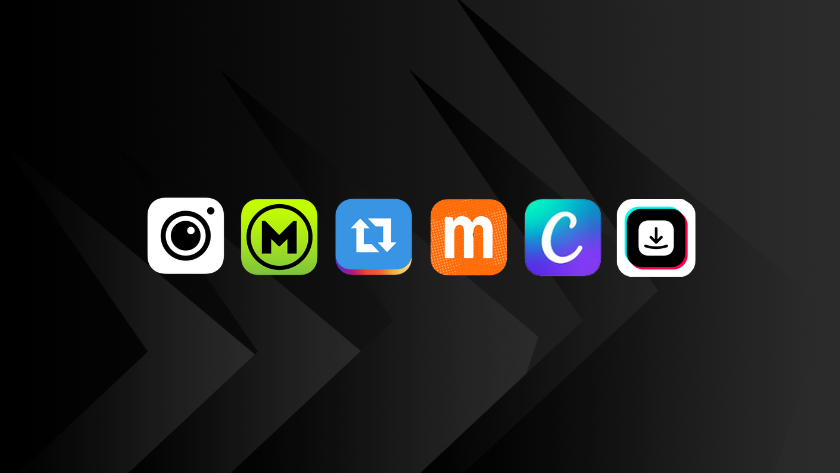
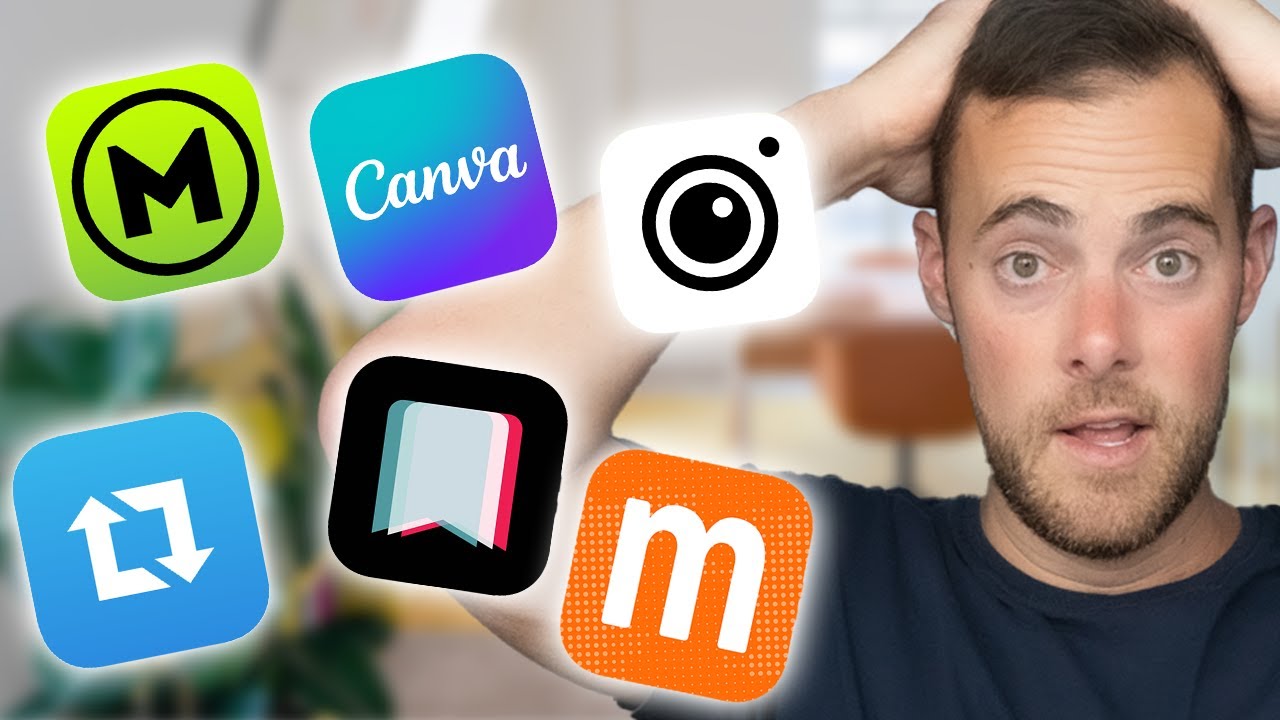
Here are six apps every content creator needs.
#1—Mematic
The first one is Mematic. It’s one of my go-to apps for creating and finding memes. It has all the templates for images and a very user-friendly interface to throw captions on pictures and videos.
One of the best features of this app is the search feature. Just type in an expression like “piss” or “depressed,” and it’ll show you all the popular memes that correlate.
You can also upload your own content and use it as your go-to caption editor. It even allows you to put watermarks on your creations, so I can’t steal it from you, and you can’t steal it from me–you know, without giving me credit.
#2—Momus
Number two is Momus. Created by Tank Sinatra, an original meme god, it’s another one of my go-to apps for memes and captions. It’s even easier to use than Mematic but has a limited supply of templates.
I also like to use it for formatting my text-only posts. It’s the perfect app for very beginner-level meme creation.
#3—Instasize
Number three is Instasize. Every agent, every creator needs this. This is my go-to for sizing and putting a white background on photos, videos, and Reels. It allows you to size anything as original, square, story, Instagram full or landscape, so you can format it to fit the entire story or Reel.
I use it to format literally every Reel that isn’t already full-size, so it at least has that white background. Dark backgrounds look awful and perform worse than Reels with white backgrounds. I kinda just made that up, but it feels true.
#4—Repost
Number four is the Repost app. This is the app I use to rip and download videos from other accounts. All you do is copy the post link, upload it to the app, and download the video.
Of course, you can also screen-record the video, but sometimes the sound is a little off, and the quality isn’t as good as a direct download. You can upgrade the version to remove the watermark, which you should obviously do if you’re stealing content.
#5—Canva
Have you ever wanted to be good at Photoshop, but you don’t have enough emotional trauma to do so?
Canva is your option now. It’s probably the best platform for content creation—perfect for thumbnails, sizing, animations, Instagram Stories, charts, anything. It can literally do everything.
We use it in our content platform with Coffee & Contracts, where agents can brand and customize exclusive content that we create for them on a monthly basis. You should obviously check that out.
#6—SaveTik
The final app I use nonstop is SaveTik.
If you want to post your TikToks to Reels, you must do it without the watermark. Instagram suppresses any sort of Reel that has the TikTok watermark because they don’t want you promoting another app.
So, to do this, download it with an app like SaveTik. All you’ve got to do is copy the TikTok URL, post it to the bar, and download it.
Instagram punishes Reels with the Tiktok logo on them, so use this whenever you post a TikTok to Reels.
Hope this helps.
Now, you have all the tools to destroy me.