
Raise your hand if you know you don’t want to stay where you are long-term.
Getting the most from your first home purchase has a lot to do with how long you stay there. So, for non-homeowners thinking, “There’s no way I want to live here another 10 years,” finding a place with long-term potential should probably come before buying a home.
But when you’re ready and able to move to a better place, how do you begin to find it?
A great place to start is to make a list of your non-negotiables—the must-haves for your new hometown, as well as the must-nots. But no one wants to comb through details for all the cities and towns in their state, let alone the entire country, to find one that ticks all the boxes.
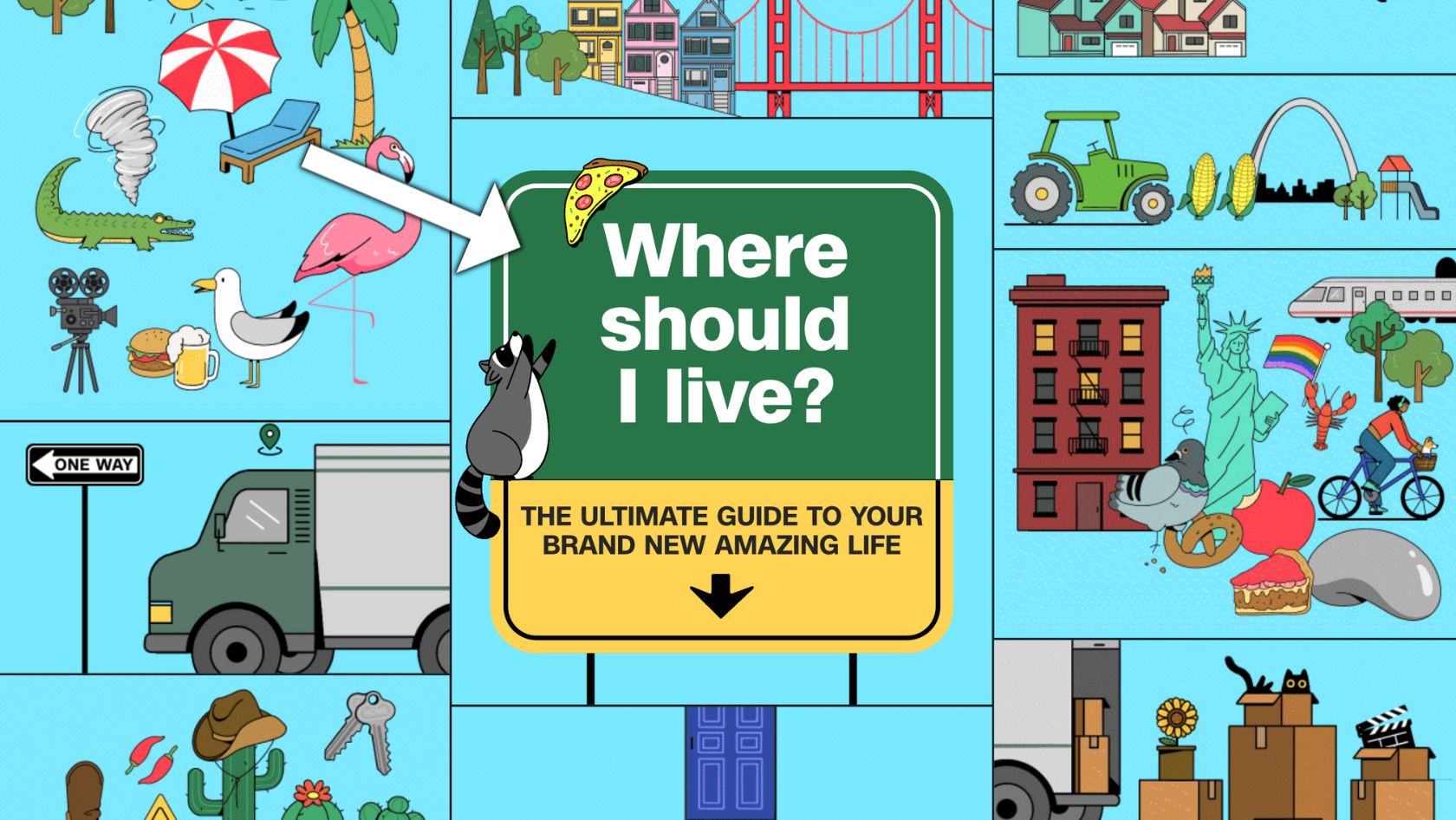
So, why not try CNN’s new interactive tool to narrow down your options?
Spend a few minutes to save hours
When you’re looking for a place to call home for several years, the list of factors to consider can be long. So, any tool that helps you filter out the areas with issues you want to avoid can be a big help.
Even better if it can draw your attention to areas without those must-avoids that also have the specific qualities you’re looking for.
The tool starts by asking where you live now, so the algorithm can draw information about your current neighborhood to compare it with other options in the United States.
Once you enter the name of your city or town, the next question is “How far away are you willing to move?
Choose one of the following answers:
- Stay in state
- Stay in region
- Open to anywhere
After you choose an answer and click “Submit,” the tool takes you to a page with a map and the number of results, along with some questions to help you narrow down your options.
I chose “open to anywhere,” so the tool gave me 6,699 results, which appear as blue dots on the map. You can zoom out to see where the dots are clustered together.
On to the questions:
#1: “Compared to where you live now, are you looking for a place that has more or less…”
For each factor, you’ll choose “less,” “similar,” or “more,” depending on how you want your new place to compare with your current location.
As indicated, you can select multiple preferences and leave some fields blank.
Factors:
- Population density
- Young people (lower median age)
- Unmarried people (% of population that is single)
- Rainy days
- Hot days (temps above 90 degrees)
- Cold days (temps below freezing)
Those last two are tricky for me. I ended up asking for locations with fewer hot days compared to my current area (and I’m in Minnesota), partly because my energy bills jump up by around $20 a month every summer.
Minnesotans like their AC, too. And it does get balmy when the snow finally melts.
Of course, the problem with asking for fewer hot days is that the dots on the lower half of the country suddenly disappear—and my options shrink down to a three-digit number.
#2: “Avoid places that are more vulnerable to…”
Here’s where you can rule out places with a higher risk of specific climate-related events, any of which could either damage or destroy your investment. Areas with higher risk are seeing a rise in homeowner insurance costs.
Things you might want to avoid (because of rising insurance costs or other reasons):
- Hurricanes
- Wildfires
- Flooding
- Tornadoes
- Earthquakes
#3: “Other factors that are important to you”
CNN’s tool even allows you to filter by factors related to your principles or politics, though it doesn’t go so far as to ask whether you want to stick with traditionally blue or red states.
If you want to exclude places with less racial diversity than your current neighborhood, the sorting tool gives you that option.
You can also ask to exclude areas with laws where abortion access is restricted or banned, as well as those with low scores for LGBTQ-friendly laws and policies.
Check out your “matches”
If you’re satisfied with your answers and with the number of places to consider, take a moment to click on the mapped locations to learn more about the markets that fit your criteria.
Granted, the tool doesn’t tell you a whole lot about each location, but it does reveal how the sorter took your answers into account. For example, if you indicated you’re looking for places with a low flood risk, the pop-up for each location should reflect that.
You can always go back to the sidebar and modify your answers, too, to expand your options or narrow them down even further.
Check it out for yourself! At the very least, it could get you thinking about places you’ve never considered before.
Plus, it’s pretty fun.