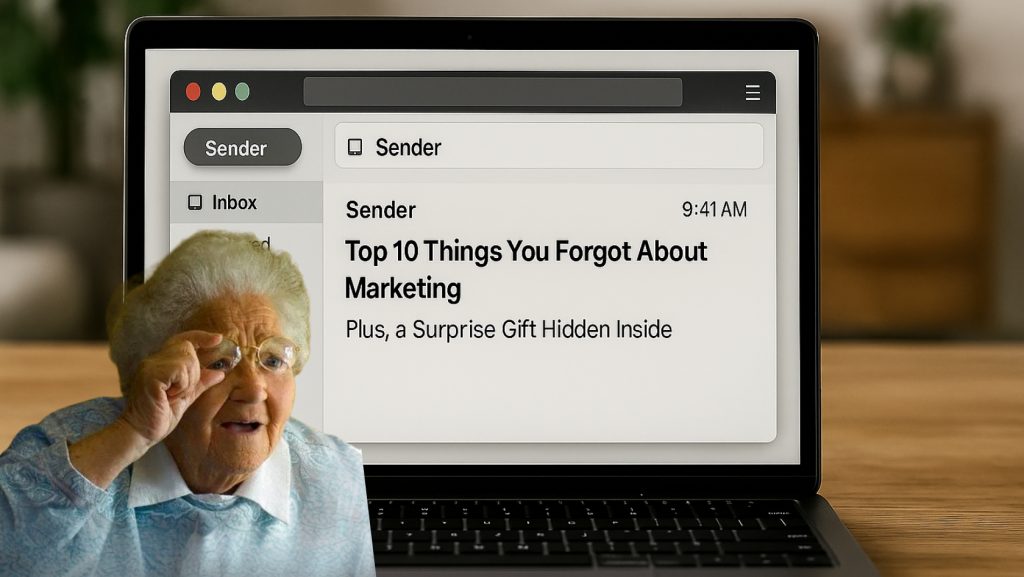


You spent 30 minutes writing the perfect subject line…
But your preview text still says, “View this email in your browser.”
If that sounds familiar, you’re not alone. And you’re definitely not getting the open rates you could be.
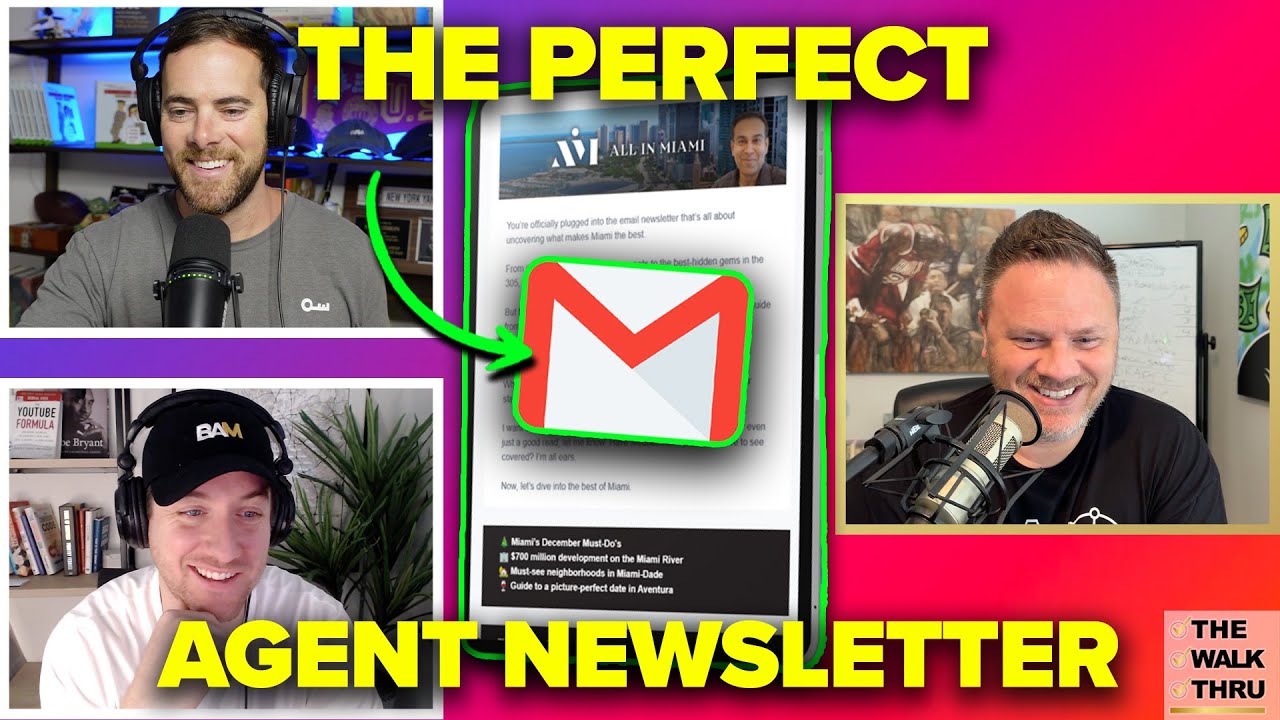
In episode #156 of The Walk Thru, Chris Smith, author of The Conversion Code and co-founder of ella, sat down with Jason Cassity and The Broke Agent to break down how real estate agents can get more out of email.
One of the biggest missed opportunities? Preview text.
While subject lines tend to get all the attention, your preview text works just as hard. In many inboxes, it’s the difference between an open and a swipe.
As Chris pointed out, most people tend to ignore preview text when composing an email to their database, but it’s meant to complement the subject line in a way that tightens the grip on the reader’s attention.
You want to earn the click. And you can’t do that if your preview text is just filler.
Use this guide to turn your preview text into a reason to click (not a reason to scroll past).
What Is Preview Text and Why It Matters
Preview text is the snippet of copy that appears next to or underneath your subject line in most email apps. It’s usually between 40 and 90 characters long.
Think of it as the second headline. While the subject line grabs attention, the preview text builds on it with more detail, curiosity, or value. Done right, your preview text gives people a reason to open your email.
Done wrong, or left blank, it has all the conversion power of dead space.
Common Preview Text Mistakes Agents Make
Most real estate agents don’t even write preview text. And even when they do, it’s often generic or just repeats the subject line. Here are some of the most common missteps:
- Letting it default to the first line of the email. This often results in “Can’t see this email? Click here” showing up in the inbox preview.
- Repeating the subject line. You’re wasting valuable real estate by saying the same thing twice.
- Using vague language. “Monthly newsletter” or “Real estate update” won’t make anyone stop scrolling.
- Going too long. If your preview text gets cut off, you’ve lost your chance to hook the reader.
Chris pointed out that many agents spend time choosing a subject line, only to completely ignore what shows up next to it. And that’s hurting their click-through rate.
In a crowded inbox, you’ve got to earn your subscriber’s attention. Your subject line and preview text are the one-two punch that gets the reader curious, then reels them right in.
Make every character count.
How to Write Preview Text That Drives Opens
The best preview text works alongside your subject line to spark interest. It adds context, creates urgency, or teases something worth clicking.
Here’s how to make it count:
1. Avoid repeating the subject line.
Instead, treat your preview text as the next sentence someone would want to read. Think in sequence.
Example:
- Subject line: “What your neighbors just listed for”
- Preview: “And what it means for your home’s value this summer”
2. Use plain language.
Speak like a human, not a headline generator. Your preview text should feel like something you’d say out loud.
Bad: “June Real Estate Market Insights”
Better: “Why some homes are selling in days while others sit”
3. Create curiosity.
Don’t give everything away. Instead, hint at the benefit of opening.
Example:
- Subject line: “3 tips to win a bidding war”
- Preview text: “#2 is the one most agents forget to tell you”
4. Keep it short (but not too short).
Aim for 40 to 70 characters. Enough to give a reason to open, not enough to get cut off.
Use AI to Help, But Polish It Yourself
AI tools like ChatGPT are great for generating preview text options quickly. But don’t rely on them to get it right on the first try.
Chris clarified by pointing out where AI can be a big help, as well as where it falls short.
“AI is really good for helping you find stuff that you should feature. And it’s really good at making it sound like you and sound, you know, local. But it’s actually not really that great at the summary and the writing itself.”
In a nutshell: Use AI tools to help you plan content and research for it, as well as to get you started with ideas and a rough draft (and we do mean “rough”). But polish the content yourself. Make it sound like you.
Here’s a simple workflow:
- Ask ChatGPT: “Give me five preview text options for an email about rising home prices in Phoenix.”
- Pick one that has potential.
- Edit the wording so it sounds like something you’d say to a client or a friend.
- Test it with your subject line to make sure they work together.
Final Thoughts
Your preview text isn’t a throwaway detail. It’s the second most important line in your email. And sometimes, it does even more work than the subject line. Agents who pay attention to it tend to get better open rates, more replies, and more conversations started.
And that’s the whole point of email marketing: not just opens, but relationships.
Want to make your next send count? Spend 60 extra seconds on your preview text. It’s a small detail that makes a big difference.