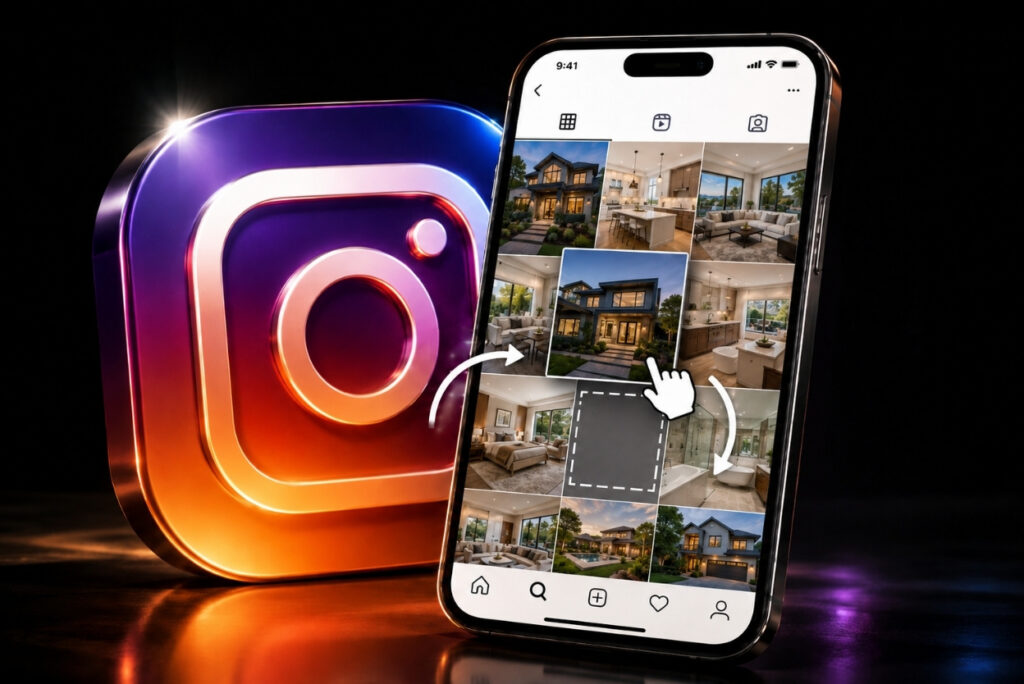
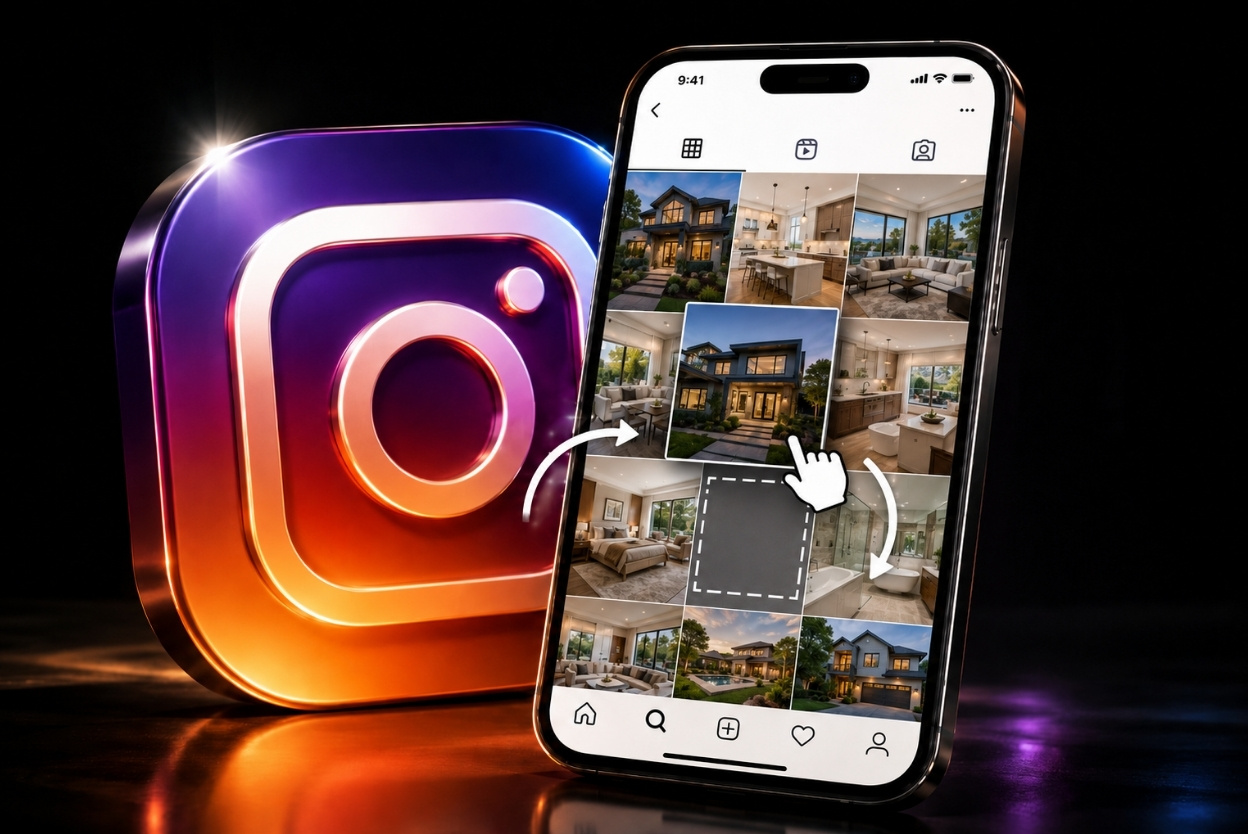

Instagram rolled out one of its most requested features yesterday: you can now reorder posts on your profile grid in any order you want.
Until now, your grid displayed posts in strict reverse-chronological order. The only workaround was pinning up to three posts at the top, or, for those opting in to the new Instagram Plus subscription, six posts. That limitation is gone. Every post on your profile can now be repositioned, regardless of when you originally shared it.
How do you reorder your Instagram grid?
Reordering your Instagram grid is pretty simple, and is available now on both iPhone and Android:
- Go to your profile
- Long-press any post
- Select “Reorder grid” from the pop-up menu
- Drag posts wherever you want them
Changes save immediately and are visible to anyone who visits your profile. Any posts you’ve pinned stay locked at the top and won’t be affected by reordering.
Instagram Growth Coach Brock Johnson broke it down:
View this post on Instagram
Why would a real estate agent use this?
The Broke Agent told BAMx members that the real reason you’ll probably use this feature is because you’re bored.
But there’s a legitimate use case buried in there. Scroll through your own grid right now. If you see multiple posts that all look similar, that’s a problem. A potential client lands on your profile, sees a wall of identical graphics, and keeps scrolling.
“It can help to mix up your grid so you don’t have too much of the same aesthetic or content in a row.
“For example, if you have 4 open house flyers in a row, I would switch those up to show FACES and PLACES.”
Together, faces and places are the two things every brand needs to build trust on Instagram.
Faces means you. Your personality on camera, your opinions, your face. It’s the content that makes someone feel like they know you before they’ve ever met you. Places means your hyperlocal content — the neighborhood walkthroughs, the coffee shop you keep recommending, the spots that only locals know.
What does your Instagram grid communicate?
Your grid is a first impression. When someone finds you through a reel or a hashtag and taps over to your profile, what they see in the first nine squares decides whether they follow you or leave.
A grid full of identical templates says this person posts listings, that’s it. A grid that mixes content types (you on camera, market updates, client moments, local spots) says this is someone worth following.
Here’s the play
This isn’t something you need to overhaul every week. But if you haven’t looked at your grid as a visitor lately, do it now. Open your profile, pretend you don’t know you, and ask whether you’d follow that person.
If the answer is no, or if you’ve been meaning to clean things up for months, now you finally can.