

If you’re tired of staring into your ring light wondering what the hell to post next, this one’s for you.
In this blog, I’m breaking down five powerful AI tools that every real estate agent should be using right now to grow their YouTube presence without:
- Spending hours on content ideas
- Editing until midnight
- Hiring a full production team
No ChatGPT prompts, today. And I’m not talking about gimmicky avatar software, either. These are real tools I use in my own business—and they’re built to help agents like you create better content faster and, most importantly, generate leads.
Let’s start with solving the “What is my title–and what should my thumbnail be?” problem.
1. 1of10.com
Your title, thumbnail, and idea-generation assistant
Let’s start with the thing that kills most YouTube videos before they ever get uploaded: weak titles and invisible (or worse) thumbnails.
Enter 1of10.com, which can reverse-engineer high-performing content in your niche and across YouTube to help you create video packaging that actually gets clicked.
Here’s how it works:
- Enter keywords like “moving to Charlotte” or “selling a home in Miami.”
- The tool surfaces real examples of top-performing titles and thumbnails.
- You skip the brainstorming black hole and get to filming faster—with confidence.
No more wasting your afternoon trying to copy Mr. Beast edits or generating weird thumbnail faces with ChatGPT that don’t quite look human.
1of10.com helps you package your content like a pro—so your videos rank, get views, and bring in real leads.
Want the full YouTube roadmap I use for agents? That’s inside BAMx.
2. Make.com
Automation for agents who want more closings, not more tabs.
Make.com is what happens when Zapier graduates and gets serious about content.
This tool connects all your platforms—YouTube, ChatGPT, Instagram, Google Drive, your CRM—and builds smart workflows that run on autopilot. That means more time closing deals and less time copying links or toggling between apps like it’s 2018.
Here’s how agents are using it:
- Upload a YouTube video → Automatically trigger ChatGPT to write a blog post, IG caption, and LinkedIn post from the transcript.
- Someone downloads your relocation guide → Add them to your CRM, send a welcome email, and create a follow-up reminder—without lifting a finger.
- Batch schedule Shorts, Reels, and carousels across platforms with AI-written captions.
If you’re still uploading manually or pasting captions line by line—this tool will change your life. Make.com becomes your 24/7 content assistant that doesn’t take breaks, doesn’t forget tasks, and doesn’t ask for vacation time.
Bottom line: Make.com is your 24-hour content assistant. If you’re still jumping between apps and copy-pasting everything manually, you’re working too hard.
3. Captions App
From decent footage to scroll-stopping Shorts—in minutes.
You’ve probably filmed some decent videos. The problem? The edits don’t hold attention. And if your viewers are bouncing after 7 seconds, that video might as well not exist.
Captions App is your shortcut to professional short-form content that actually gets watched. Upload your video, and it instantly:
- Crops to vertical
- Cuts dead space
- Adds zooms and jump cuts
- Animates keywords to increase retention
Reading from a script? No problem! Using AI, Captions can simulate direct eye contact, so you can look more confident and connected.
You hit record, upload your footage, and Captions App handles the rest. No hours lost to “how do I add subtitles again?” If you’re not using Captions, you’re probably wasting your best takes with edits that don’t keep up with today’s scroll speed.
4. Opus Clip
Turn one video into 10 viral Shorts—automatically.
You don’t need more content. You need to do more with the content you already have.
That’s where Opus Clip comes in. Just upload your long-form video or drop a YouTube link, and Opus Clip:
- Scans the footage for hooky, high-energy moments
- Cuts them into 15-60 second clips
- Adds subtitles, resizes for vertical, and formats for Shorts, Reels, and TikTok
- Ranks each clip by how likely it is to get shared
So instead of scrubbing through your video manually or paying someone to do it, Opus Clip hands you 10+ ready-to-post Shorts—each optimized for virality. It’s repurposing on autopilot.
For agents with podcasts, long-form home tours, or video market updates, this is the ultimate way to stretch one recording into a week’s worth of high-impact content.
5. Descript
Edit like a pro without the pro-level learning curve.
Descript is basically a Swiss Army knife for real estate agents who want polished content without learning Premiere Pro or Final Cut.
Here’s what it lets you do:
- Upload your video → Get a full transcript
- Edit the video by editing the text—just delete filler words, “ums,” or awkward moments
- Record your screen and add voiceovers
- Clean up bad audio with one click
If you can edit a Google Doc, you can use Descript. It’s built for speed and simplicity, which makes it perfect for agents who want to create polished content without hiring an editor or spending all night piecing together footage.
Let’s Recap
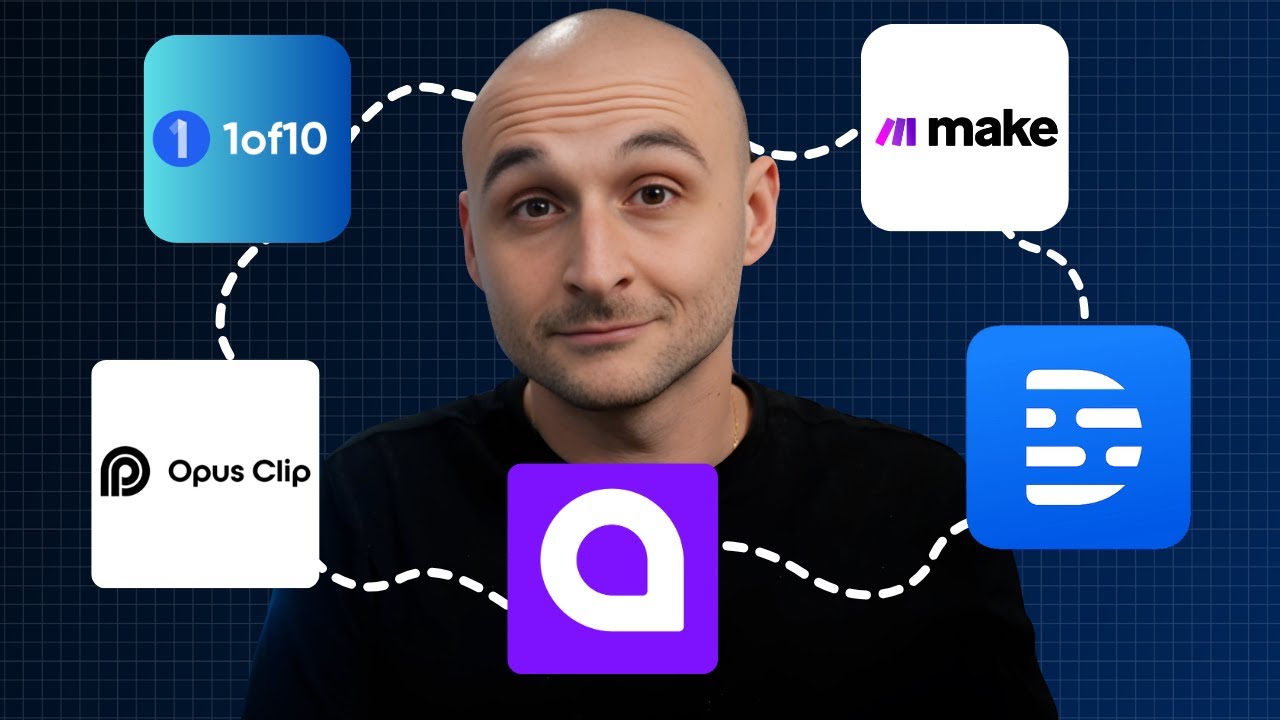
These five tools solve the three biggest bottlenecks agents face on YouTube:
- “What do I post?” – Oneof10.com has you covered
- “How do I edit faster?” – Captions, Opus, and Descript to the rescue
- “How do I show up everywhere without burning out?” – That’s Make.com
So stop overthinking it. You don’t need a big budget or a media team—just the right tools and a little momentum.
If you’re ready to go deeper, get access to the full YouTube growth roadmap inside BAMx.
Not a member yet? Join here: