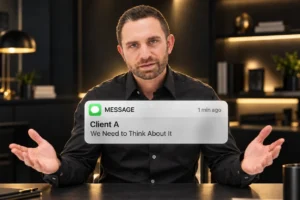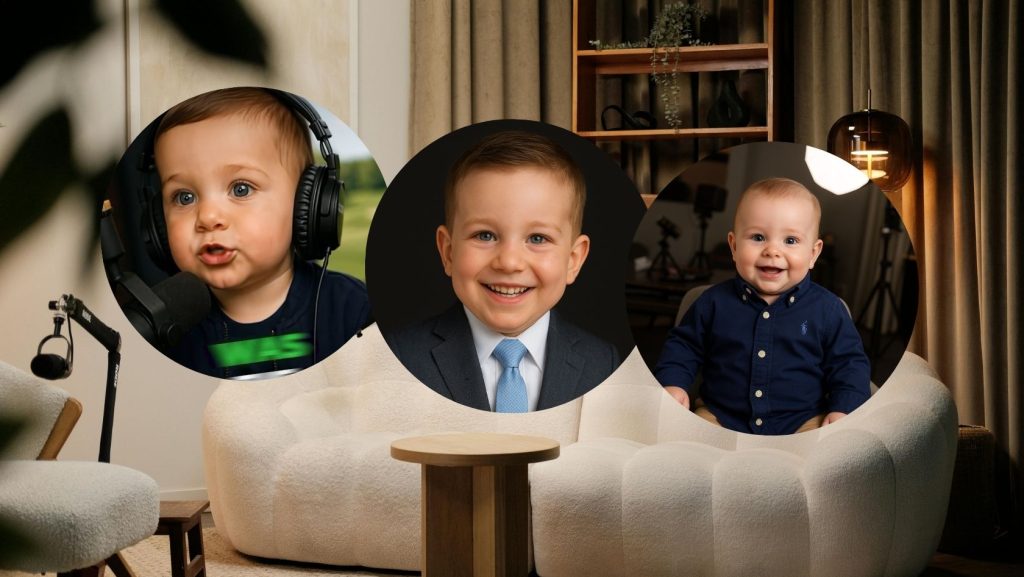


If you’ve scrolled through Reels or TikTok lately, chances are you’ve seen it—the talking baby podcast clip. One part viral meme, one part branding tool, and all AI. These bite-sized bits of hilarious content are blowing up across platforms.
And the best part? You can make one yourself with zero animation skills.
We even made one for BAM. Here’s the exact step-by-step process I used to create it.
Step 1: Start with Audio
You need a short, punchy audio clip to build the video around. I pulled mine from an episode of the Knowledge Brokers Podcast, but you can use anything from a funny conversation to a motivational soundbite.
You’ll need:
- A clean, 20-second clip. This is important—Hedra (the tool we’ll use later) only supports clips up to 20 seconds.
- A simple editing program to extract your audio. I used CapCut, but iMovie or anything you’re comfortable with will work.
In CapCut:
- Import your podcast or video file.
- Trim your desired segment down to 20 seconds.
- Export it and name it something simple like “KBP Audio.”
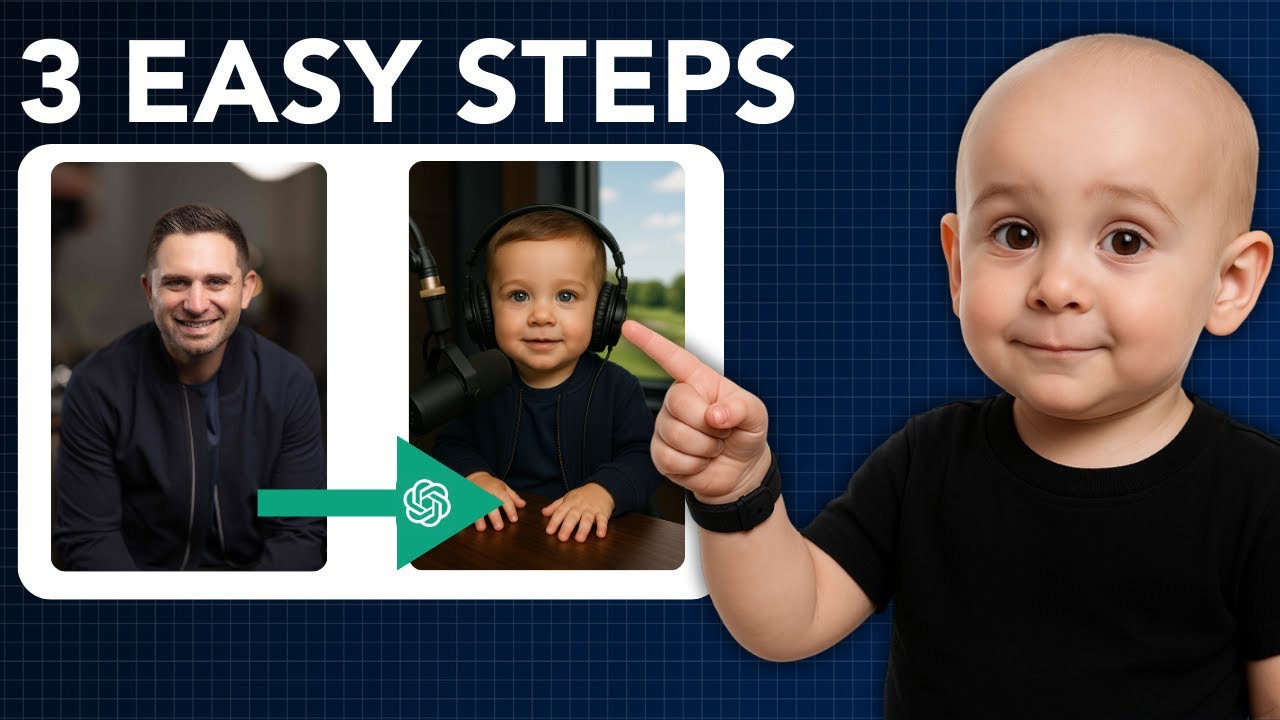
Step 2: Babyify the Photo with ChatGPT
Next, you’ll need a headshot of whoever’s talking in the clip. In my case, I had photos of Byron Lazine and Tom Toole on hand, which made this part easy.
If it’s your face on screen, make sure your photo is:
- Straight on, looking at the camera
- High-resolution
- Background removed (Canva works great for this)
Once you’ve got the image, head to ChatGPT. The goal is to prompt it to generate an AI-rendered version of you as a three-year-old in a podcast studio. Here’s what I used:
“Make me a 9×16 image of this man as a 3-year-old baby in a podcast studio with a mic in front of him and headphones on. Make it a close-up image.”
ChatGPT generated a solid result of Byron in a baby bomber jacket and navy tee. For Tom, I used:
“Now make a 16×9 image of this man as a three-year-old baby in a podcast studio with a mic in front of him and headphones on. Make it a close-up image.”
To make it more on-brand for Byron, I followed up with:
“Make it a close-up image where there’s a golf course in the background through the window.”
It worked. ChatGPT gave me a baby Byron podcasting with a golf course behind him. Now I had the two most essential ingredients for this kind of video:
- A 20-second audio clip.
- A babyified, podcast-style headshot.
Step 3: Animate with Hedra
This is where the magic happens. Hedra is my go-to app for animating images with audio. It’s not free (costs around $10) but for what you get, it’s 100% worth it.
Here’s what to do once you’re inside Hedra:
- Set the video ratio to 9×16 for vertical platforms.
- Upload your 20-second audio clip.
- Upload your baby image.
- Then use this prompt:
“Make him talk and gesture as if he’s on a podcast.”
Hit Generate, and let Hedra do its thing.
The output? Byron—baby version—nodding, gesturing, and delivering the now-iconic quote: “Lunch is for losers.”
It’s hilarious. It’s attention-grabbing. And it’s exactly the kind of content that can help you stand out in a sea of sameness.
Final Touches
Once your animated clip is ready:
- Download it from Hedra.
- Upload it to Instagram, TikTok, or YouTube Shorts.
- Optional: Add captions, music, or filters in CapCut or your editing app of choice.
That’s it. You’ve officially made your first viral talking baby podcast meme using AI.
Want More Prompts?
BAMx members get full access to our ChatGPT Prompt Library—plus fresh AI prompts every Friday in our Weekly Content Drop.
Not a member yet? Sign up here: