

Growing up, I used to read Golf Digest, and one of my favorite segments was called “What’s in My Bag.” In it, they’d showcase everything inside the golf bags of my favorite players, from golf balls to divot fixers, rangefinders, and tees. You get the idea.
This blog is my version of “What’s in My Bag,” but instead of golf gear, it’s all about the tools on my phone that I use to create content.
(That intro was completely unnecessary. Let’s get to the point.)
Here are 5 apps/content tools we at BAM use daily.
1. Instasize
Ever needed to format a post for a story, carousel, Reel, or something else? My go-to app is Instasize. I use it almost every day to format Reels, add backgrounds, and ensure posts are sized correctly for their intended platform. Whether it’s Instagram squares, stories, full-length posts, Reels, profile images, or landscapes, Instasize has you covered.
It also works for other platforms like Facebook, YouTube, Twitter, TikTok, and Snapchat. You can make quick adjustments in-app for various formats.
For example, in the post below, I formatted the slides in Instagram stories and then downloaded them to my camera roll. Then, I used Instasize to make sure they were full-length for the carousel.
2. Repost+
If you’ve ever wanted to download Instagram videos without the watermark, Repost+ is your solution. Just copy the link to the Instagram post, paste it into the app, and it downloads straight to your phone.
This is especially helpful for reposting other people’s content or creating carousel posts using older content of your own.
I used the Repost+ app on the post below to rip my old videos and download them without the watermark.
3. Mematic
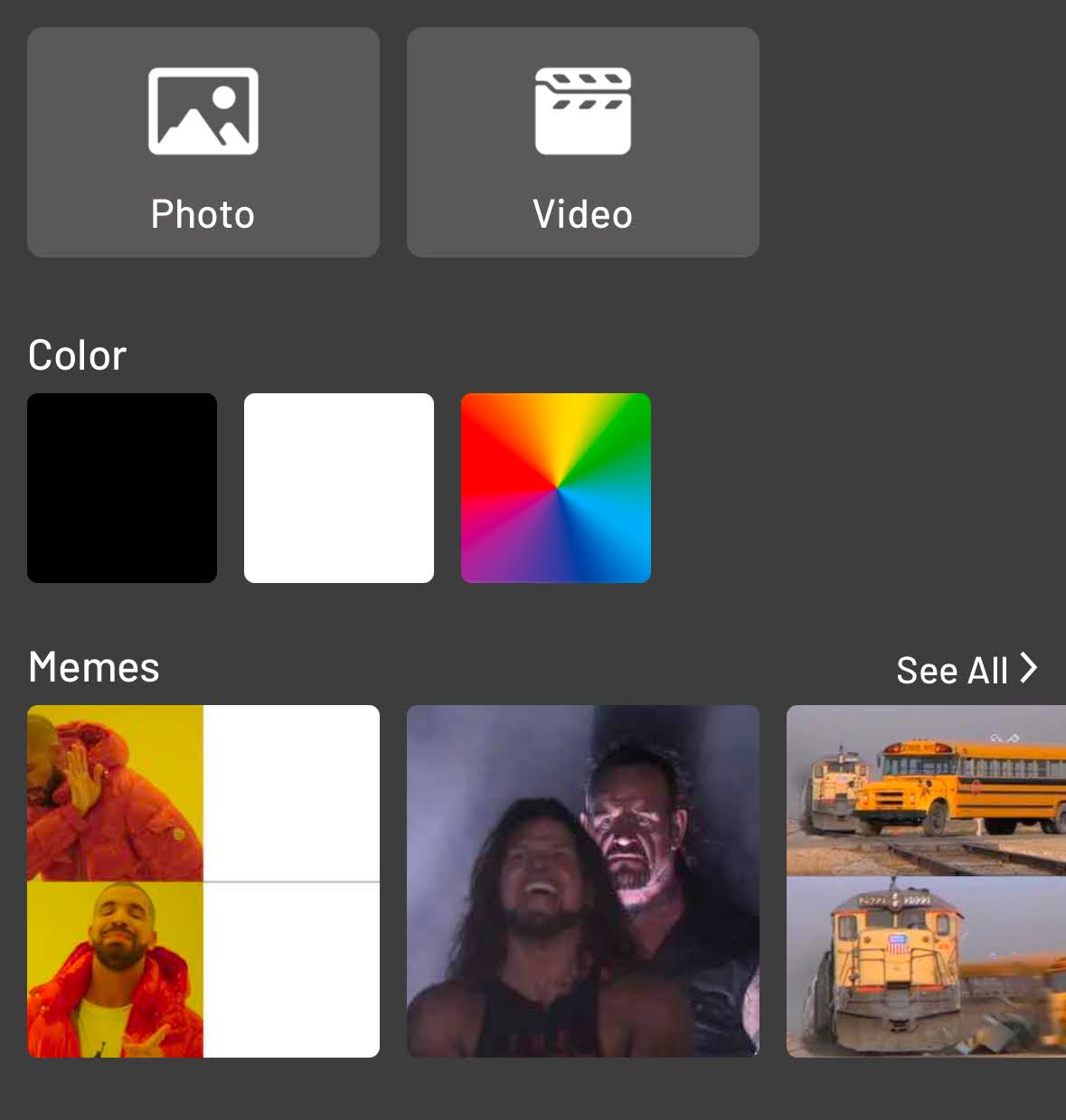
For the meme enthusiasts out there, Mematic is a lifesaver. It’s one of the easiest apps for finding and creating memes. With thousands of templates regularly updated to match trending topics, it’s perfect when you can’t quite remember the exact meme you’re looking for.
Simply type a keyword like “angry,” and a selection of relevant templates will pop up. Bonus: Mematic also has great formatting tools, similar to Instasize, for adding your creative spin.
4. Canva
If you haven’t explored Canva yet, you’re clinically insane. At BAM, we use Canva for almost everything: YouTube thumbnails, Instagram story templates, carousel posts, you name it.
The best part? Canva keeps evolving. From integrating AI to making it easier than ever to search for exactly what you need, it’s a content creation powerhouse.
A lot of our BAM headline posts are made in Canva.
5. CapCut
CapCut is an amazing app for editing videos, finding trending templates, and sparking content inspiration. While I’ve primarily used it for green screen-style Reels, its editing features and creative tools are fantastic for any content creator.
If you’re looking to up your video game or experiment with cool editing techniques, CapCut is a must-have.
This masterpiece was made in CapCut.
BONUS
If you want to download a TikTok video without the watermark, copy-paste the link to the video and put it in SaveTik.