


Today, I’m sharing three tools that are game-changers for your real estate business. I’m always on the lookout for ways to simplify my tasks and boost overall efficiency, and these three tools do just that!
Number 1: Scribe
Scribe is the ultimate tool that transforms any complex process into an effortless, step-by-step guide instantly. Ever found yourself thinking, “I wish someone could just jump inside my brain and take notes as I’m doing this on the computer?” Well, Scribe does just that!
Here’s How to use Scribe:
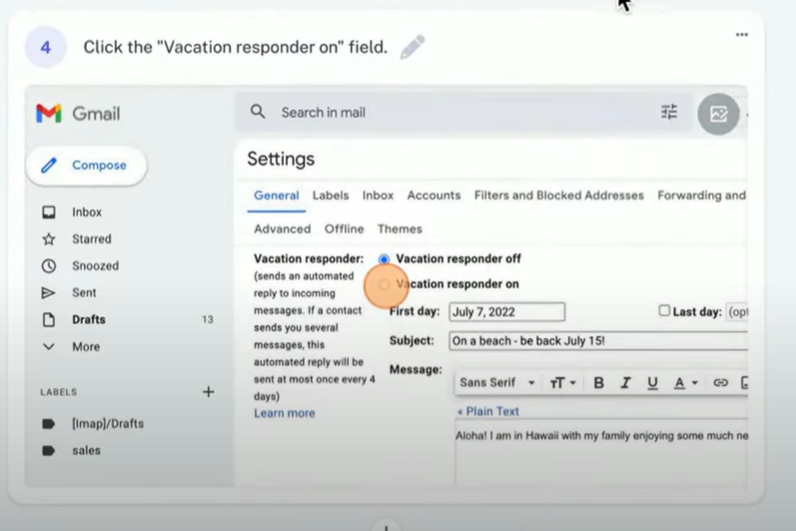
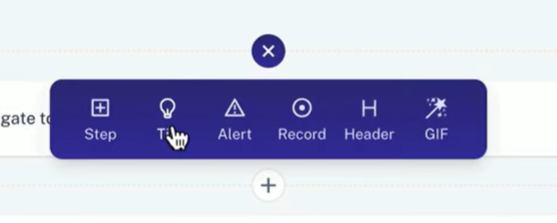
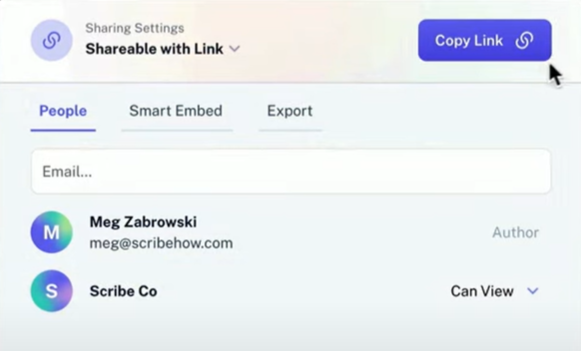
1. Capture Your Process: Click the Scribe extension to begin recording your actions. Walk through your activities as you normally would. Scribe takes notes as you complete tasks.




Here are several ways you can utilize Scribe for your assistant or team:
- Document MLS Listings: Use Scribe to record and document the entire process of adding a listing to your local MLS, covering all steps from start to finish.
- Offers and Listing Paperwork: Use Scribe to record and document the entire process of writing an offer or preparing listing paperwork.
- Canva Tutorial: Utilize Scribe to provide a clear step-by-step tutorial on Canva, guiding your assistant in creating brand graphics and related content.
- CRM System Management: Use Scribe to teach your assistant how to efficiently manage your CRM system. Cover tasks such as entering new leads, setting reminders for follow-ups, and ensuring the CRM is organized and up-to-date.
Number 2: Vodium
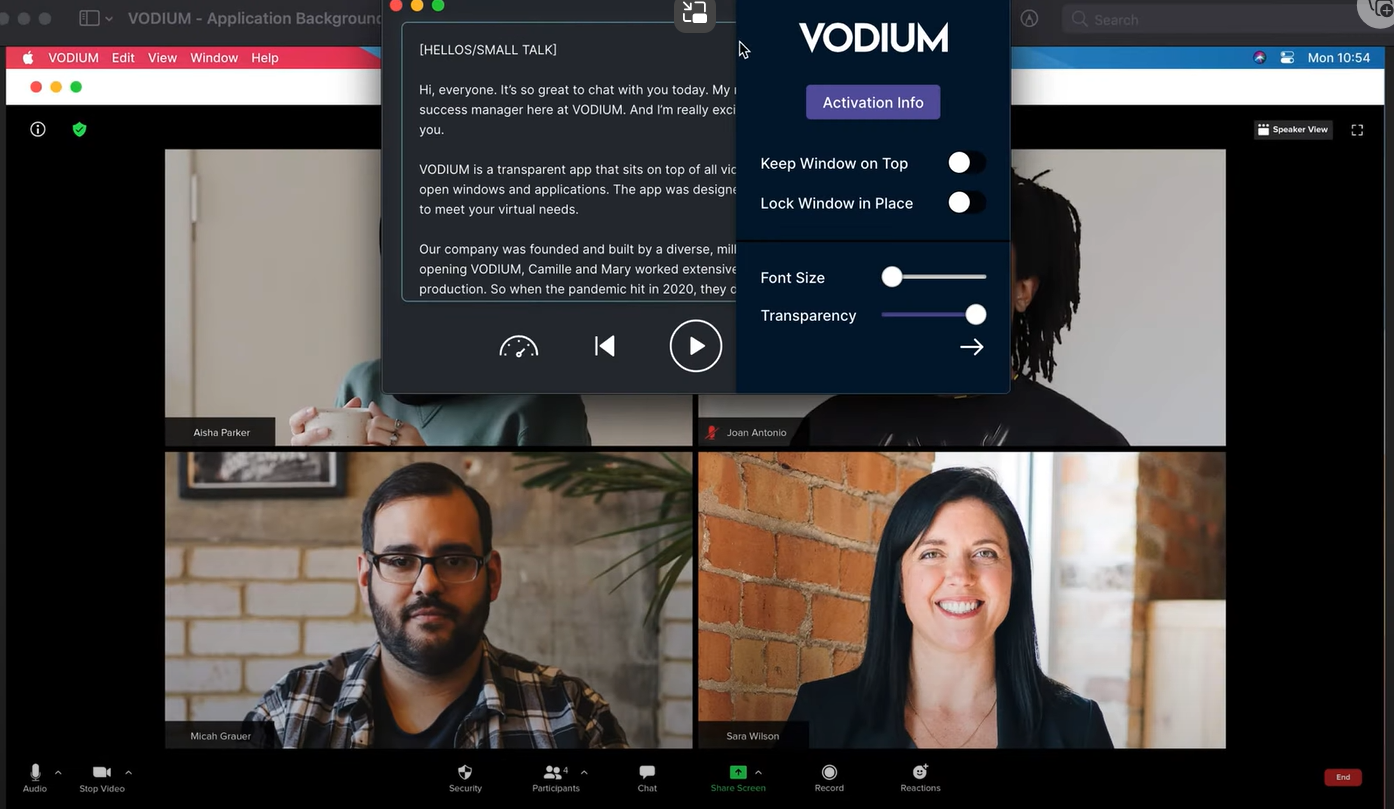
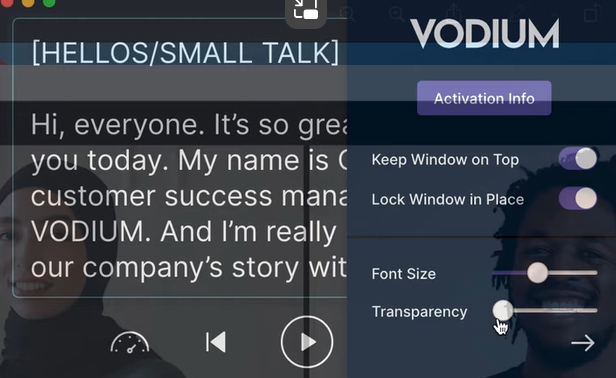
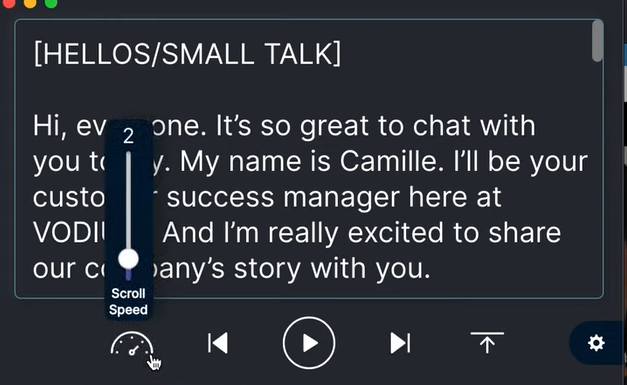
Vodium is your go-to teleprompter for laptops and computers. Have you ever found yourself stumbling over words during a Zoom call or a virtual first-time buyer meeting? Or maybe podcasts make you anxious like me? That’s where Vodium steps in!
Here’s how it works:
1. Script: Paste your script or notes into Vodium.

Number 3: Castmagic
Castmagic is a user-friendly platform designed for podcasters, content creators, and anyone looking to transform their audio recordings into other forms of content! Users can easily upload their unpublished audio files or provide YouTube links and select desired content outputs.
1. Select YouTube: Begin by choosing the “YouTube” option at the top of the Castmagic site.

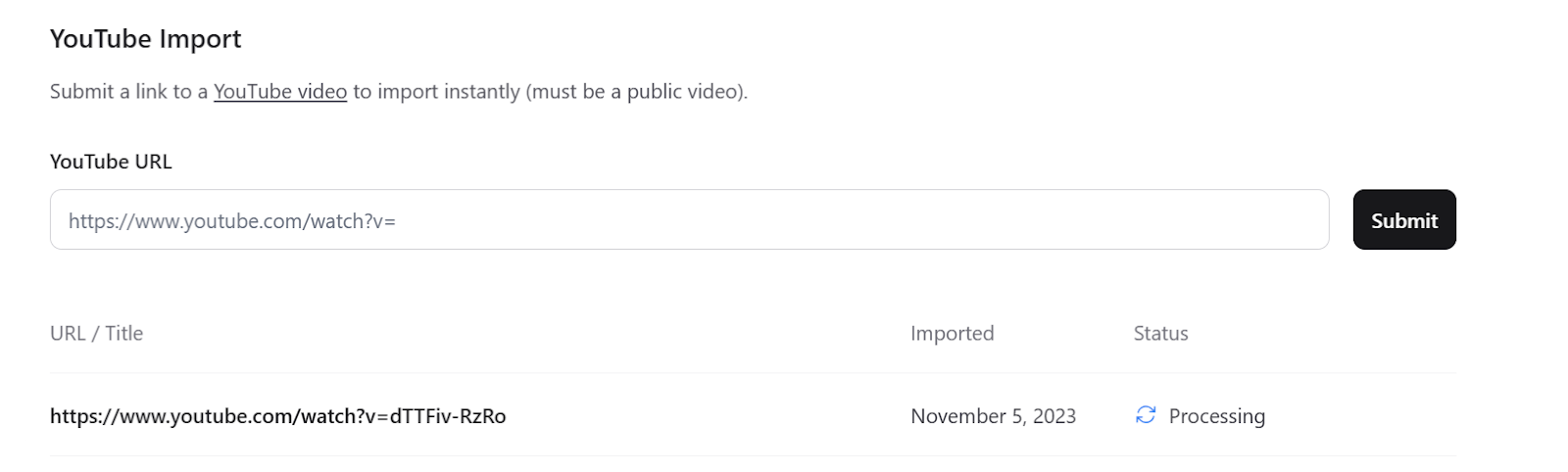
4. Transcript Generation: Castmagic automatically creates a transcript of the YouTube episode you provided.
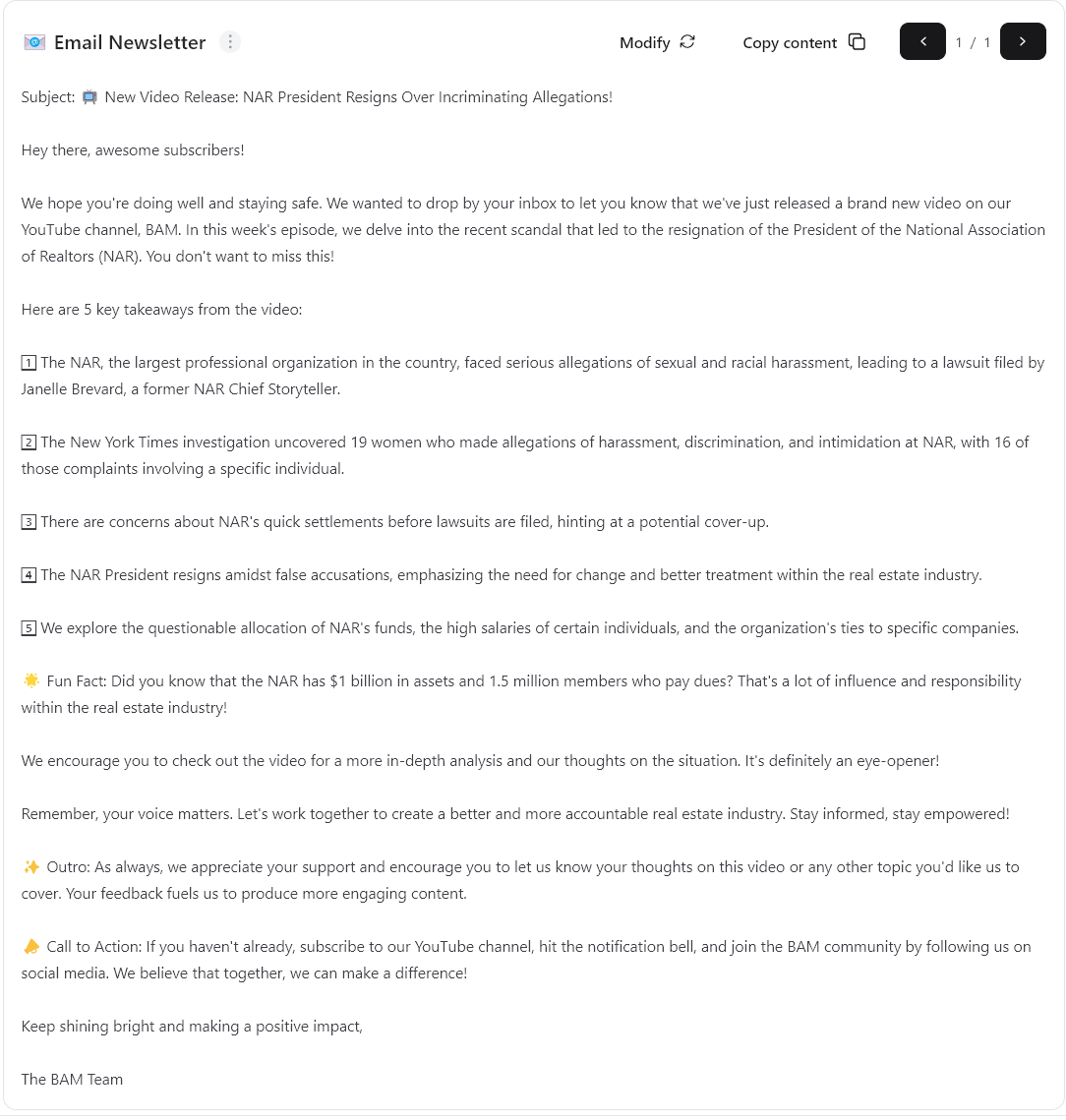
5. Explore AI Content: Navigate to the “AI content” section at the top of the screen. Here, you can find YouTube keywords, potential titles, and even an email newsletter draft.



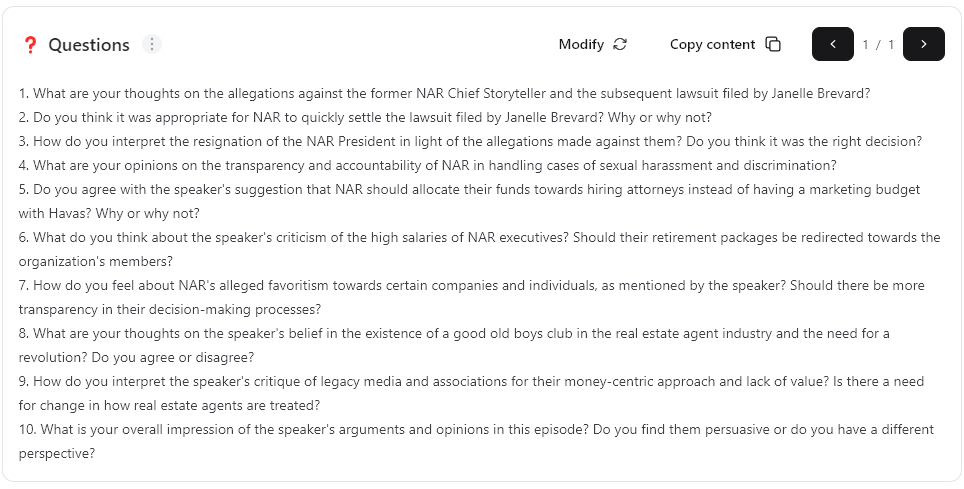
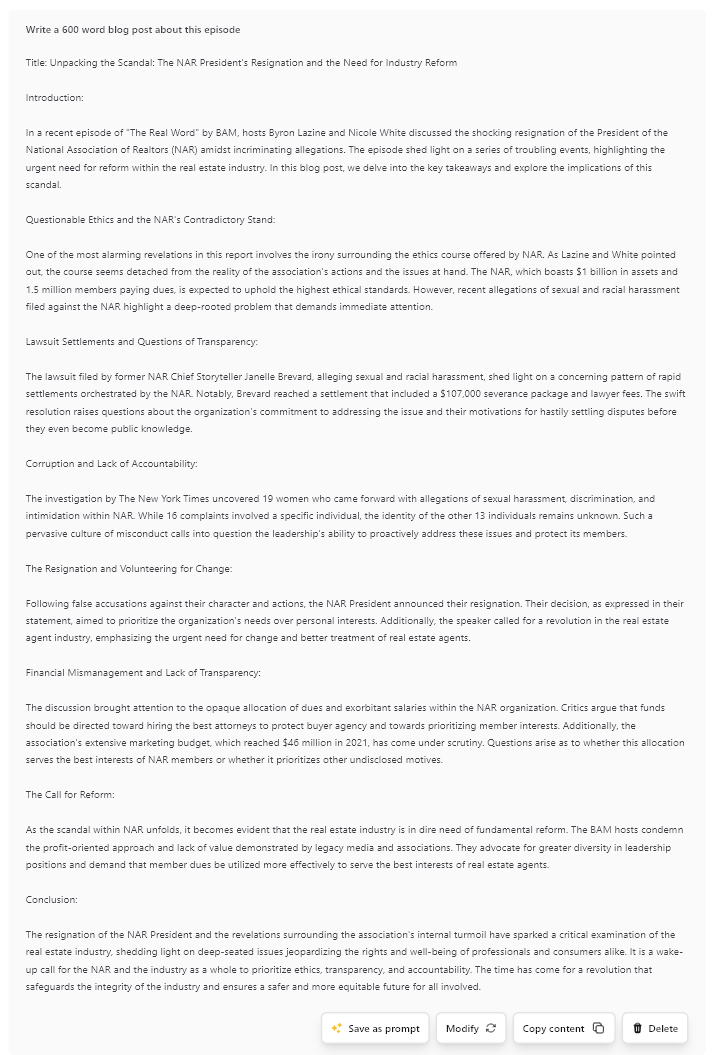
- Transform Live Stream Insights into a Blog Post: Start by copying Byron Lazine’s recent YouTube live where he discusses the NAR lawsuit. Utilize Castmagic’s Magic Chat feature to request a 600-word blog post summarizing his insights. For example, input, “Create a 600-word blog post summarizing Byron’s insights on the NAR lawsuit.” Once generated, share this blog post across your social media platforms to engage your audience with valuable content. (Be sure to cite the original source when you are featuring another creator’s work!)
- Craft an Email Newsletter: Copy the link to a recent episode from the Hot Sheet, focusing on rising home prices. Use Castmagic’s AI feature to transform the content into an email newsletter. AI will condense the highlights and key takeaways into a newsletter format. Distribute this newsletter to your email subscriber database!
Remember, these tools are all about streamlining your workflows. Try them out and find what works for you so you can get a head start on 2024.
Bonus: BAMx
Ok, so BAMx is not exactly a workflow tool—but it is the best platform and community to be on for real estate agents who want to strengthen their businesses. Not only do BAMx members get access to my course, but you’ll get courses and masterminds with industry experts like The Broke Agent, Byron Lazine, Tom Toole, Tom Storey, Lisa Chinatti, and more. Use the discount code LINDSEY for 10% off your subscription today!